Beyond Transcription: How Free Automated Note Taking for Microsoft Teams Transforms Meetings
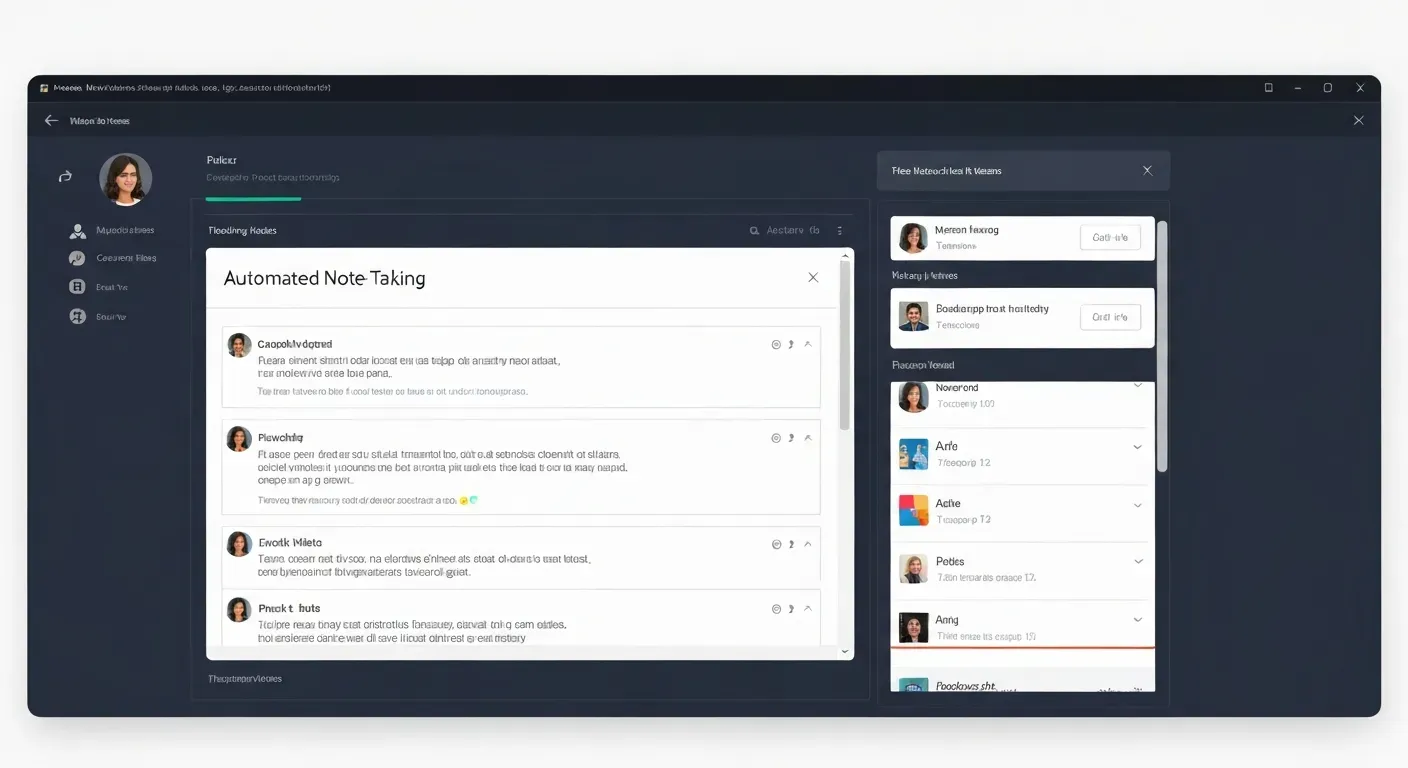 Are your Microsoft Teams meetings often a blur of information, leaving you scrambling to recall key decisions and action items? Imagine a future where every spoken word is captured and transformed into clear, actionable insights without lifting a finger. This is the reality of modern meeting management, and it’s more accessible than you might think.
In 2026, the power of AI is revolutionizing how we collaborate, making free automated note taking for Microsoft Teams a game-changer for productivity. Stop losing crucial details and start leveraging intelligent tools that ensure nothing falls through the cracks.
This article will dive into how these advanced solutions streamline your workflow, enhance accountability, and maximize the value of every team discussion. Prepare to transform your meeting experience from a time sink into a powerful engine for progress.
The Evolution of Meeting Notes in 2026
The way teams document meetings has undergone a radical transformation. In 2026, manual note-taking has largely been superseded by advanced AI-driven solutions. This shift is essential for organizations operating in today's complex and rapidly evolving business environments.
From Manual Jottings to AI-Powered Insights
Traditional methods of recording meeting minutes are no longer sufficient. The sheer volume of information discussed in modern meetings often leads to information overload, making it difficult to recall key decisions, action items, and important nuances. AI is actively solving this problem in 2026. For instance, tools like Vemory offer free automated note taking for Microsoft Teams.
| Feature | Vemory (AI Assistant) | Traditional Notes |
|---|---|---|
| Transcription | Automated, High Accuracy | Manual |
| Key Info Extraction | AI-powered (Topics, Tasks) | Manual |
| Action Item Tracking | Seamless integration | Manual |
| Information Recall | Structured, searchable | Difficult |
| Efficiency | Significantly Increased | Limited |
The Challenge of Information Overload
The sheer volume of information discussed in modern meetings often leads to information overload. This makes it difficult to recall key decisions, action items, and important nuances. AI is actively solving this problem in 2026. Vemory, an AI meeting assistant, converts lengthy recordings into structured notes. It identifies meeting themes, participants, and crucial details.
This AI-powered approach ensures that every discussion translates into actionable outcomes. It liberates teams from tedious post-meeting organization, significantly boosting efficiency and outcome conversion rates. This technology is central to navigating the information deluge of contemporary business.
Top 5 Free Automated Note Taking Tools for Microsoft Teams in 2026
In 2026, efficient collaboration hinges on capturing every actionable insight from meetings. Free automated note taking for Microsoft Teams streamlines this process, transforming discussions into tangible outcomes. These solutions ensure no critical decision or task is overlooked, significantly boosting team productivity and project completion rates.
1. Vemory: The All-in-One Meeting Automation Expert
Vemory positions itself as an 'automation expert' for meetings. Its core AI converts recordings into structured minutes, identifying themes, attendees, discussions, and to-do items. Vemory seamlessly integrates these into manageable tasks, supporting platforms like Enterprise WeChat for full-cycle management from decision to task allocation and progress tracking. This boosts team efficiency and outcome conversion.
2. Microsoft Teams' Native Features (Enhanced)
Microsoft Teams offers robust built-in features in 2026. These include live transcription, chat logs, and meeting recording. Users can leverage these native tools for basic note-taking. Transcripts can be exported for further processing, providing a foundational layer of automated note capture directly within the platform.
3. Otter.ai: Real-Time Transcription and AI Notes
Otter.ai remains a strong contender for its real-time transcription accuracy and AI summarization. In 2026, it offers speaker identification, searchable transcripts, and automated meeting summaries. This makes capturing and sharing meeting outcomes straightforward for Microsoft Teams users.
4. Fireflies.ai: Intelligent Meeting Assistant
Fireflies.ai acts as an intelligent meeting assistant for Microsoft Teams. It automatically records, transcribes, and analyzes meetings. Its advanced AI identifies action items, key decisions, and sentiment, providing actionable insights and streamlining post-meeting workflows for enhanced team productivity.
5. tl;dv: Record, Transcribe, and Analyze
tl;dv provides a comprehensive solution for recording, transcribing, and analyzing meetings within Microsoft Teams. Users capture high-quality recordings and generate accurate transcripts. Tagging important moments facilitates efficient review and follow-up on action items, ensuring accountability and progress.
These tools offer diverse approaches to free automated note taking for Microsoft Teams, empowering teams to maximize meeting value and drive results.
Key Features to Look For in 2026
In 2026, advanced tools will redefine meeting productivity. The focus shifts from mere recording to intelligent processing and actionable outcomes. Selecting the right solution ensures your team leverages every meeting to its full potential, especially when considering free automated note taking for Microsoft Teams.
Accuracy in Transcription and Speaker Identification
High precision in voice-to-text transcription is essential. Look for tools that accurately distinguish between speakers, supporting various accents and languages. This ensures comprehensive and reliable meeting records for all participants. Vemory's technology aims for this high accuracy, providing a solid foundation for meeting documentation.
Intelligent Summarization and Action Item Extraction
Beyond transcription, AI's ability to summarize lengthy discussions is crucial. Tools should accurately identify action items, decisions, and key takeaways. This significantly reduces manual effort in distilling meeting content. Vemory's AI directly tackles this by extracting "special instructions" and structuring meeting notes.
Seamless Integration with Microsoft Teams
For Microsoft Teams users, effortless integration is non-negotiable. The chosen tool should plug directly into the Teams environment. This allows for easy recording, transcription, and direct access to notes within the platform. This seamless experience is a core expectation for efficient collaboration.
Task Management and Workflow Automation
The true value lies in automating follow-up. In 2026, tools should convert identified action items into trackable tasks. They should support assigning tasks to team members and managing their lifecycle through completion, bridging discussion and execution. Vemory's "To-Do List" conversion and task management directly address this need.
Security and Data Privacy
As sensitive meeting data is processed, robust security measures and clear data privacy policies are critical. Ensure the tool complies with relevant regulations and protects your organization's confidential information. This is a fundamental requirement for any business-grade solution.
Maximizing Meeting ROI with Automated Notes in 2026
In 2026, organizations can significantly boost their return on investment from meetings by leveraging advanced automated note-taking solutions. These tools transform meetings from time-consuming discussions into actionable outcomes, driving efficiency and productivity.
Enhancing Accountability and Follow-Through
By clearly defining and assigning action items with automated tools, accountability is significantly enhanced. Team members know their responsibilities, and managers can easily track progress, ensuring that meeting decisions translate into tangible results. This seamless transition from discussion to task completion is crucial for project success.
Saving Time and Resources
Automated note-taking frees up valuable time for both attendees and designated note-takers. In 2026, this allows professionals to focus on strategic thinking and core responsibilities rather than post-meeting administrative tasks. This boost in productivity directly translates to saved resources and improved team output.
Improving Knowledge Retention and Accessibility
Structured, searchable meeting transcripts and summaries made possible by AI in 2026 improve knowledge retention. Information is easily accessible for new team members, for reviewing past decisions, or for referencing critical details, creating a more informed and efficient organization. This ensures valuable insights are never lost.
FAQ (Frequently Asked Questions)
Q1: What is free automated note taking for Microsoft Teams?
A1: It's a service that uses AI to automatically record, transcribe, and summarize your Microsoft Teams meetings, saving you manual effort.
Q2: Can these tools integrate with Microsoft Teams?
A2: Yes, most leading tools offer seamless integration with Microsoft Teams for easy recording and access to notes.
Q3: Are there any free options available for automated note taking?
A3: Yes, several platforms offer free tiers or trials for their automated note-taking services for Microsoft Teams.
Q4: How do automated notes improve meeting productivity?
A4: They reduce manual note-taking time, ensure all decisions are captured, and help track action items, leading to better follow-through.
Q5: Is my meeting data secure with these tools?
A5: Reputable tools prioritize security and data privacy, adhering to industry standards to protect your confidential information.
Conclusion
In 2026, free automated note taking for Microsoft Teams has evolved from a helpful feature into an indispensable tool for maximizing meeting effectiveness. Solutions like Vemory, Otter.ai, Fireflies.ai, and tl;dv, alongside native Teams advancements, empower teams to effortlessly capture, analyze, and action critical meeting insights. Embracing these technologies is key to unlocking true collaborative potential.
To harness this power, begin by assessing your team's current meeting processes and identify areas for improvement. Explore the readily available free tiers and trials offered by leading AI note-taking platforms to discover the perfect solution for your specific needs. This proactive evaluation will pave the way for more productive, task-oriented discussions.
Don't let another meeting pass without capturing every valuable detail. Embrace the future of meeting productivity in 2026 by actively leveraging free automated note taking for Microsoft Teams today. Start transforming your collaborations into focused, actionable sessions now!