A Better Way to Track Meeting Action Items in Notion
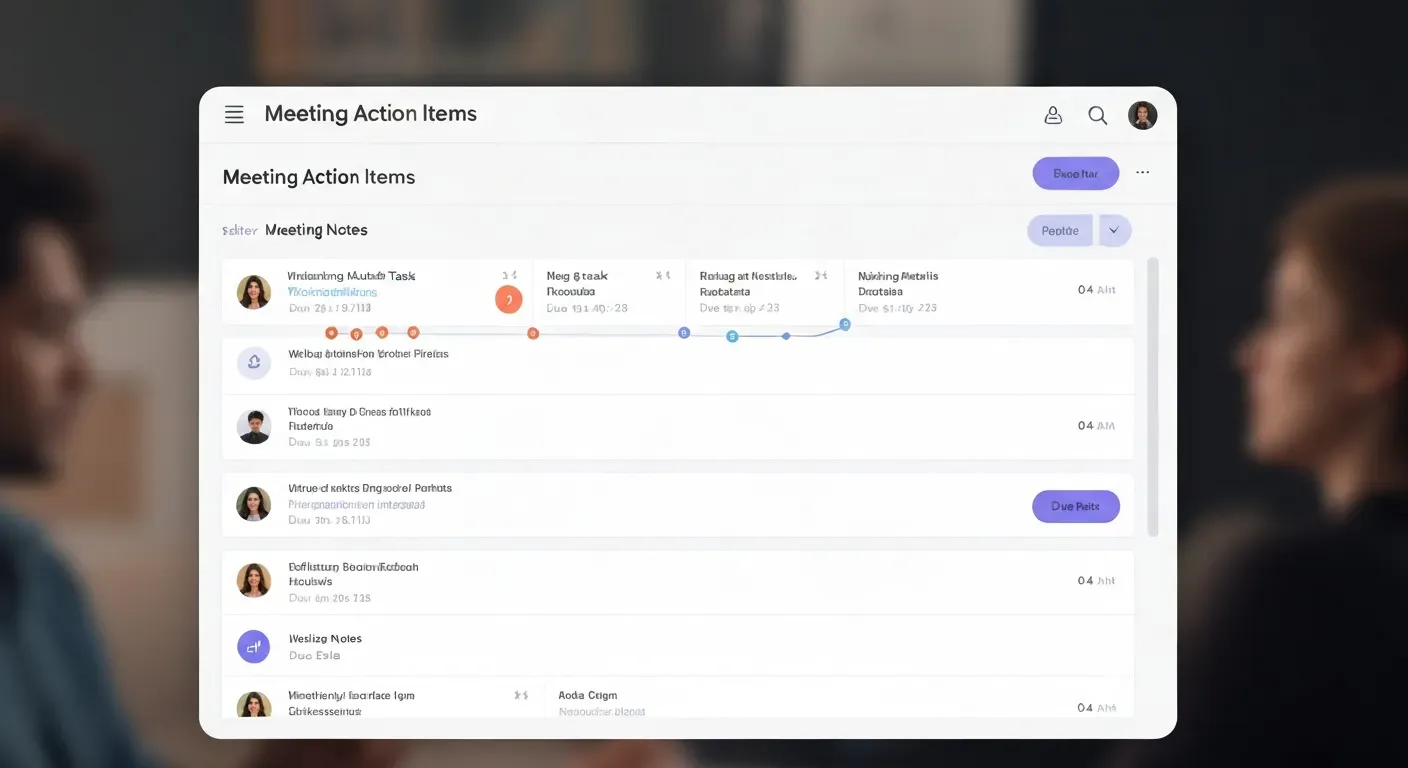 Ever felt the sting of a brilliant meeting idea dissolving into forgotten tasks by lunchtime? You know those crucial next steps, the ones that propel projects forward, can easily get lost in the shuffle of daily demands. This is a common frustration that leads to missed deadlines and stalled progress.
This guide tackles that very problem, showing you how to effectively manage your meeting action items in Notion. We'll explore why this powerful platform is the perfect solution for transforming those fleeting commitments into actionable, trackable tasks.
You'll learn what essential information to capture, a clear step-by-step workflow, and how to avoid common pitfalls. We'll even touch upon when Notion might need a boost and introduce an AI tool to simplify input.
The Challenge: Lost in Translation (Meeting Notes to Action Items)
Meetings often end with a clear list of next steps. But without a system, these tasks vanish into scattered notes or are simply forgotten. This cycle breeds missed deadlines, duplicated work, and team frustration, directly impacting project momentum. The real hurdle lies in bridging the gap between a meeting summary and organized, actionable tasks.
The gap between a 'meeting summary' and actionable, organized tasks is where many teams struggle. Without a consistent format for capturing and tracking these action items, good intentions quickly devolve into inefficiencies. This is especially true when relying solely on manual methods or disparate communication channels. Teams often find themselves unsure of ownership or deadlines for crucial action items derived from discussions.
This disconnect leads to projects stalling. A great idea discussed in a meeting might never see the light of day because no one formally captured it as a task with a clear owner and due date. This isn't about poor meeting management; it's about the lack of a robust system to translate discussion into tangible progress. The challenge is turning those valuable insights into concrete meeting action items in Notion.
To overcome this, teams need a reliable method to extract and manage these tasks. Tools that can automatically identify key decisions and action items from meeting transcripts, like Vemory (currently in free beta), offer a starting point. They can then feed this information into a structured system, like Notion, ensuring accountability and driving projects forward.
Checklist for Actionable Meeting Outcomes:
Did the meeting explicitly define next steps?
Was each action item assigned a clear owner?
Was a realistic deadline set for each task?
Are these action items recorded in a central, accessible location?
Is there a follow-up process to track progress on these items?
Why Notion is Your Command Center for Meeting Action Items
Ever left a meeting feeling productive, only to realize weeks later that the key action items never got assigned, missed their deadlines, or simply vanished into scattered notes? This is where Notion shines. Its inherent flexibility transforms raw meeting outcomes into a structured, actionable system, making it your central hub for accountability.
Notion’s database capabilities are the bedrock for managing meeting action items effectively. You build custom structures to mirror your team's specific workflow. This allows you to centralize every task, clearly assign owners, set firm deadlines, and monitor progress. Everything lives within a single, interconnected workspace, driving better organization and ensuring follow-through.
To manage meeting action items in Notion, each task entry needs specific details. A clear description of the action item is paramount. You must also capture the assigned owner, a firm due date, and a priority level (e.g., High, Medium, Low). Including the status (To Do, In Progress, Done) and any relevant links or context from the original meeting notes prevents ambiguity and ensures clarity.
Structuring owners, deadlines, and priorities in Notion is straightforward. Utilize database properties for fields like 'Assignee' (linking to team members), 'Due Date' (using the date property), and 'Priority' (using a select or multi-select property). This structured approach turns simple meeting notes into a robust project management system.
For teams looking to streamline this process even further, tools like Vemory, a creative newcomer currently in free beta, can assist. Vemory offers AI-powered meeting notes, automatic summaries, and action item extraction. It also tracks decisions made during meetings. This pre-organization can then feed directly into your Notion workflow, ensuring that all critical meeting outcomes are captured before you even start assigning tasks.
Here’s a quick checklist for effective meeting action item management in Notion:
Clear Task Description: What exactly needs to be done?
Assigned Owner: Who is responsible for completion?
Firm Due Date: When must this be finished?
Priority Level: How critical is this task?
Status Tracking: Is it To Do, In Progress, or Done?
Relevant Context: Link to meeting notes or related documents.
By implementing these practices, you can transform your meeting follow-up from a point of friction into a source of consistent progress and accountability.
Workflow: From Meeting Notes to Trackable Action Items in Notion
Transforming raw meeting notes into actionable tasks in Notion requires a structured approach. Without it, good ideas get lost. Unclear ownership and missed deadlines become common. This process ensures every decision leads to tangible progress, making your team's follow-up discipline reliable.
Capturing and Reviewing Notes
Start by taking comprehensive meeting notes. Dedicate a specific section within your notes for decisions and action items. This makes them easy to spot later. After the meeting, review these notes thoroughly. Identify each distinct action item that emerged from the discussion.
Creating Notion Action Items
For every identified action item, create a new entry in your dedicated Notion 'Action Items' database. Populate each entry with essential details. This includes a concise task description, the name of the person responsible (owner), a specific deadline, and its priority level. Linking back to the original meeting notes provides necessary context. This structured input ensures clarity and accountability for each task.
Utilizing Notion for Tracking
Leverage Notion's features to visualize and manage your action items. Linked databases help consolidate information. Templates streamline entry creation. A Kanban board view offers a clear visual of task progress, moving from 'To Do' to 'In Progress' to 'Done'. This visual cue helps teams track workflow status and enables better automation of follow-up reminders.
For teams seeking to streamline this process even further, tools like Vemory, a creative newcomer in free beta, offer AI-powered meeting notes, summaries, and automatic action item extraction. This can pre-populate your Notion database, reducing manual effort before organizing your meeting action items in Notion.
Checklist for Effective Action Item Management:
Capture decisions and action items separately in notes.
Create a dedicated Notion 'Action Items' database.
Assign owner, deadline, and priority to each item.
Link action items back to meeting notes for context.
Use Notion board views for visual progress tracking.
Common Pitfalls in Manual Action Item Management
When meetings wrap up, the energy to tackle next steps often fades. This is where manual action item tracking stumbles. Without a solid system, valuable decisions and assigned tasks can easily get lost, impacting team progress and project momentum. The journey from meeting conclusion to completed task is fraught with common errors that derail productivity.
Lack of Standardized Capture
A frequent mistake is not having a consistent way to record action items. During a meeting, notes might be scribbled in different formats or captured inconsistently. This leads to vague descriptions like "Follow up on X" or "Investigate Y." These unclear entries make it hard to pinpoint who owns the task or what exactly needs to be done, creating confusion later.
Disparate Tools and Lost Information
Relying on a mix of emails, chat messages, and scattered notebooks for action items creates information silos. Tasks get buried in overflowing inboxes or forgotten in physical notebooks. This fragmentation makes it difficult to get a clear overview of all outstanding work, hindering effective task management and follow-up for everyone involved.
Unclear Ownership and Deadlines
A common oversight is failing to assign clear owners and realistic deadlines. When no one is explicitly responsible for a task, or the deadline is ambiguous ("soon," "next week"), it's unlikely to get completed. This ambiguity directly impacts project timelines and team productivity, as accountability is missing.
Infrequent Review and Updates
Not regularly reviewing or updating action items proves to be a significant issue. Without consistent follow-up, tasks can become outdated or simply forgotten. This diminishes the value of the initial meeting decisions and can lead to missed opportunities or duplicated effort. For effective meeting action items in Notion, a structured approach is vital.
To overcome these issues, consider implementing a centralized system. Tools like Vemory, a newcomer in free beta, offer AI meeting notes, summaries, and action item extraction, which can then be organized in Notion. A practical checklist for managing meeting action items in Notion includes:
Standardized capture format: Define fields for task, owner, deadline, and status.
Centralized storage: Use Notion for all meeting action items.
Clear assignment: Assign one owner and a specific deadline for each item.
Regular review: Schedule weekly or bi-weekly action item review sessions.
When Notion Alone Isn't Enough: Introducing Vemory
Your team has meetings. Action items get discussed. Then, those action items often get lost. Unclear ownership, missed deadlines, and scattered notes plague even the best intentions. You need a reliable system to turn conversations into concrete tasks, especially when aiming for organized meeting action items in Notion.
Bridging the Information Gap
Notion excels at task management. However, getting information into Notion can still be a manual chore. If your team spends time extracting key details from long meeting transcripts or wrestling with inconsistent formatting, you're facing a bottleneck. This is where automated solutions become essential.
Vemory: Your AI Meeting Assistant
Vemory enters the scene as a creative newcomer, currently in free beta. This intelligent AI meeting assistant focuses on processing meeting transcripts. It automatically pulls out crucial details like AI meeting notes, key action items, concise summaries, and important decisions made during discussions.
By using Vemory, your team prepares cleaner, pre-organized inputs. This reduces the manual data entry and formatting work. Notion then functions more effectively as your central hub for project and task management. Vemory helps bridge the gap between raw conversations and structured, actionable insights ready for your workflow, ensuring better meeting action items in Notion.
Before you send to Notion, consider:
Action Item Clarity: Who owns what? By when?
Summary Conciseness: What were the main takeaways?
Decision Tracking: What was agreed upon?
Vemory addresses these points directly, streamlining your path to organized meeting action items in Notion.
The Vemory + Notion Integration: Supercharging Your Workflow
Tired of meeting notes that vanish and tasks that get lost? Vemory tackles this head-on. It captures your conversations, producing accurate transcripts and pinpointing key decisions. This gives you high-quality raw data straight from your meetings, eliminating the need for manual transcription.
AI-Powered Meeting Intelligence
Vemory acts as your AI meeting assistant. It extracts crucial information like decisions made and action items assigned. This means you start with clear, structured data from every discussion. You can track who is responsible for what and when it’s due, directly from your calls.
Seamless Integration for Actionable Insights
The extracted action items and meeting summaries from Vemory integrate directly into your Notion workspace. This automates the tedious process of manual data entry. All critical information transfers accurately and is formatted for immediate use in your project management databases. This ensures your meeting action items in Notion are always up-to-date and actionable.
Focus on What Matters Most
By leveraging Vemory, teams shift focus from administrative tasks to core work. Spending less time transcribing or summarizing meetings boosts productivity. This allows for more efficient follow-up and sharper decision-making. You prepare better inputs for Notion's powerful task management, ensuring nothing falls through the cracks.
Ready to streamline your follow-up?
Try Vemory's free beta.
Connect it to your Notion workspace.
Start transforming your meeting outputs into clear tasks.
Practical Checklist: Mastering Meeting Action Items in Notion
Ever left a meeting feeling like you discussed important next steps, only for them to vanish into thin air? Unclear ownership, missed deadlines, and scattered notes are common. This checklist guides you through a reliable system for managing meeting action items in Notion, ensuring follow-through and accountability.
Before the Meeting
Distribute a clear meeting agenda at least 24 hours in advance. Outline specific objectives and the desired outcomes for each agenda item. This sets expectations and helps participants prepare relevant information, reducing wasted time during the session.
During the Meeting
Capture detailed meeting notes. Focus on documenting key decisions made and action items assigned. Use a consistent format for action items, perhaps starting each with "ACTION:" followed by a brief description. This consistency aids later processing.
Immediately After
Review your meeting notes promptly. For every identified action item, create a distinct entry within your Notion 'Action Items' database. This ensures no task slips through the cracks.
Populate Notion Entry
Each Notion entry needs a clear task description. Assign a specific owner and set a concrete deadline. Include a priority level (e.g., High, Medium, Low) and track its status (e.g., To Do, In Progress, Done).
Leverage Notion Features
Utilize Notion's built-in properties for assignees, dates, and priorities. Consider creating board or calendar views of your 'Action Items' database for a visual overview of progress and upcoming tasks.
Regular Follow-up
Schedule dedicated time weekly to review and update the status of all action items. Automate reminders within Notion for upcoming deadlines where possible to maintain momentum.
Consider AI Assistance
Explore tools like Vemory, currently in free beta, to automate the extraction of action items from meeting transcripts. This can streamline the process of getting raw meeting outcomes into your Notion workflow, capturing AI meeting notes and summaries efficiently.
Continuous Improvement
Periodically assess your workflow for efficiency. Identify areas where your task management process can be refined, ensuring your system for meeting action items in Notion evolves with your needs.
This structured approach transforms meeting discussions into tangible results. Start implementing these steps today to build a more accountable and productive workflow.
FAQ (Frequently Asked Questions)
Q1: What is the most important information to capture for a meeting action item in Notion?
A1: The most important details are a clear task description, the assigned owner, and a firm due date. This ensures accountability and timely completion.
Q2: How can I prevent action items from being forgotten after a meeting?
A2: Use a dedicated Notion database for action items and schedule regular follow-up sessions to review progress and update statuses.
Q3: Can Notion automatically remind me of upcoming action item deadlines?
A3: Yes, Notion allows you to set up automated reminders for due dates on your action items, helping to keep tasks on track.
Q4: What if my meetings are long and extracting action items is time-consuming?
A4: Consider using AI tools like Vemory (in free beta) to automatically extract action items, summaries, and decisions from meeting transcripts, saving you significant time.
Q5: How does integrating an AI tool like Vemory benefit my Notion workflow?
A5: Vemory automates the tedious process of data entry and formatting from meeting transcripts. This provides cleaner, pre-organized inputs for your Notion databases, boosting efficiency.
Conclusion
Effectively managing your meeting action items in Notion is no longer a daunting task but a gateway to enhanced team productivity and project success. By establishing a clear structure and consistent workflow within Notion, you unlock unparalleled organization and accountability, ensuring no critical task falls through the cracks.
To achieve this, begin by designing your ideal Notion action item database and diligently implementing the outlined tracking process. Consider integrating AI tools like Vemory to automate the extraction of key information from meeting transcripts, further streamlining your workflow and saving valuable time.
Don't let your valuable meeting insights fade away; embrace this opportunity to transform your approach to follow-up. Set up your Notion database today and start conquering your meeting action items in Notion with confidence, paving the way for a more organized and productive future