How Teams Meeting Summary AI Copilot Streamlines Action Items
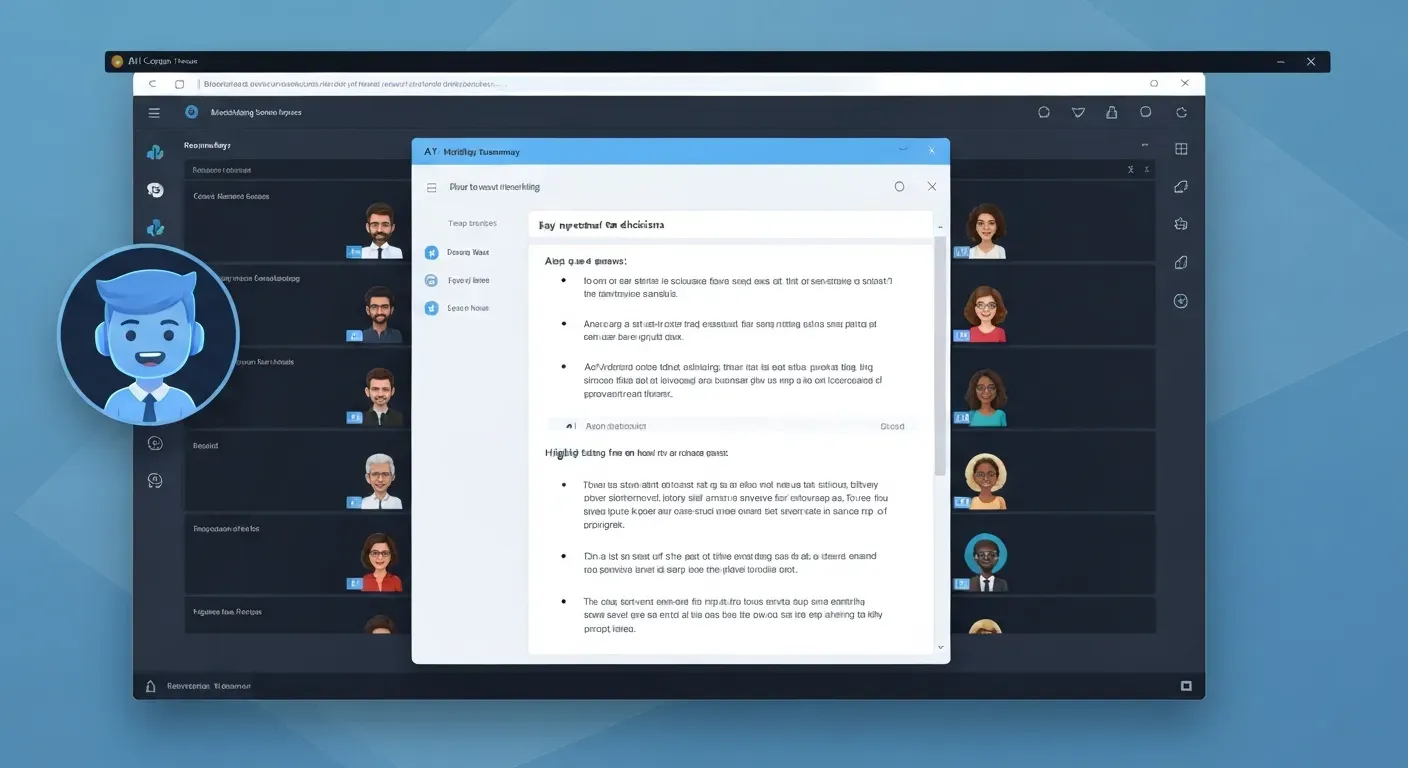
Imagine stepping out of a high-stakes strategy session confident that every detail was captured, without ever picking up a pen. In the hyper-competitive professional landscape of 2026, relying on manual note-taking is not just outdated; it is a significant drain on your team's potential. You simply cannot afford to let critical tasks slip through the cracks during complex, back-to-back video calls.
Fortunately, advanced technology has evolved to handle the heavy lifting of administrative documentation for you. By leveraging a dedicated Teams Meeting Summary AI Copilot, you can automatically capture key discussions, decisions, and deadlines with remarkable precision. This intelligent digital assistant ensures that your primary focus remains on strategic collaboration rather than frantic transcription.
This article explores how these transformative tools are revolutionizing workflow efficiency and streamlining action item management for modern enterprises. We will delve into the core functionalities of AI assistants, their seamless integration with platforms like Microsoft Teams, and their ability to boost overall productivity. Get ready to discover the future of effective meetings and finally reclaim your valuable time.
Leveraging AI for Efficient Meeting Summaries in 2026
In 2026, professionals handle an immense volume of virtual interactions daily. This density necessitates advanced solutions to manage information flow effectively. Manual note-taking no longer suffices for modern workflows; instead, organizations now deploy AI-powered tools to distill key details. These systems convert hours of conversation into actionable tasks, allowing teams to focus on execution rather than documentation.
Understanding the Need for AI Meeting Summaries
Human memory retains limited information after a call ends. Studies suggest participants forget significant details within just 24 hours. Furthermore, manual transcription consumes valuable employee time that could be spent on high-value work.
AI solutions solve this by processing audio data instantly to capture 100% of the dialogue stream. Automated tools eliminate the risk of missing critical points, providing a verbatim record of decisions made. This accuracy prevents miscommunication between departments and allows companies to preserve institutional knowledge, ensuring every team member aligns on project goals.
Key Features of AI Copilots for Meetings
AI assistants, such as the proposed 'Vemory', introduce specific capabilities to meeting management. The software offers automatic summarization seconds after a call concludes, scanning transcripts to identify deadlines and assigning tasks to specific owners.
"AI meeting assistants move beyond simple recording to become active participants in workflow management."
Multilingual recognition supports global collaboration. If a participant speaks in French, the system can generate English notes, removing language barriers in real-time. Furthermore, tools like 'Vemory' integrate with major platforms to sync data across apps, boosting productivity by reducing administrative overhead.
| Feature | Manual Note-Taking | AI Assistant (Vemory) |
|---|---|---|
| Processing Speed | 30+ minutes post-call | < 1 minute post-call |
| Data Capture | Partial / Subjective | Complete Audio Transcript |
| Task Management | Manual entry required | Auto-detection & assignment |
| Language Support | Single language | Real-time Multilingual |
| Integration | None (Isolated text) | Calendar & CRM Sync |
Integration with Microsoft Teams and Microsoft 365
Microsoft Teams Premium leads this technology. It uses the Teams Meeting Summary AI Copilot. This makes the user experience much better. Agents help during meetings. They mark important decisions as they happen.
Microsoft 365 Copilot extends this functionality by generating comprehensive notes within the Teams environment. Users can push these summaries directly to Outlook or Word, facilitating immediate follow-up actions. This ecosystem streamlines work by centralizing all meeting data in one accessible location.
Top 5 AI Copilots for Streamlining Action Items in 2026
Meetings often generate more tasks than teams can track manually. In 2026, AI tools solve this problem by capturing data and assigning duties automatically. These tools reduce administrative work and prevent missed deadlines. A Teams Meeting Summary AI Copilot specifically targets the gap between discussion and execution. The following five tools lead the market in streamlining action items.
1. Vemory: Your AI Meeting Assistant
Vemory operates as a dedicated AI meeting assistant that integrates with all major communication platforms to capture discussions. The system automatically processes audio and extracts specific action items, removing the need for manual note-taking. Users receive a structured list of tasks immediately after the session concludes.
"Vemory supports IoT hardware with automatic multilingual recognition."
This hardware integration allows Vemory to function in diverse environments, capturing clear audio even in rooms with multiple speakers. The multilingual recognition processes different languages simultaneously, ensuring the system captures tasks from international teams accurately.
Vemory focuses on follow-up reliability. The software logs every identified task and assigns it to specific owners based on voice data. This process boosts meeting efficiency by ensuring accountability; teams verify tasks quickly rather than debating what occurred.
2. Microsoft Teams' Copilot
Microsoft Teams' Copilot provides assistance while the meeting happens. It monitors the audio stream in real-time, identifying potential tasks as participants speak. It suggests these items on the side panel for immediate verification, allowing the meeting organizer to confirm tasks before the call ends.
The system integrates directly with the meeting chat, using context to clarify ambiguous spoken points. If a user types a deadline in the chat, Copilot links it to the spoken task, creating a complete record of the agreement.
Post-meeting functionality extends to communication. Teams' Copilot drafts follow-up emails based on the transcript, including agreed-upon action items and owners. Users review the draft and send it with one click, enhancing collaboration and reducing time spent on administration.
3. Microsoft 365 Copilot
Microsoft 365 Copilot utilizes AI agents across the entire M365 suite, connecting data from Word, Excel, and PowerPoint. The system summarizes meetings by pulling context from related documents and identifies key decisions by analyzing the meeting transcript alongside project files.
Users control this process through natural language prompts. You can command the AI to "list all deadlines mentioned" or "create a task list based on this transcript." The AI automates these requests instantly, improving user productivity by eliminating manual data entry.
The tool streamlines workflows by bridging applications. If a meeting results in a need for a report, Copilot opens Word and starts the draft, using data discussed in the meeting to populate the document. This direct action reduces the friction between planning and working.
| Feature | Vemory | Teams Copilot | M365 Copilot |
|---|---|---|---|
| Primary Integration | IoT Hardware / Major Platforms | Teams Interface | Full M365 Suite |
| Capture Method | Multilingual Audio Recognition | Real-time Audio & Chat | Cross-App Data Analysis |
| Output Focus | Task Lists & Follow-up | Email Drafts & Suggestions | Document Creation & Automation |
| User Interaction | Automatic Processing | Sidebar Suggestions | Natural Language Prompts |
4. Business Chat
Business Chat functions as a synthesis engine. Users access it through M365.com, Bing, or Teams. It pulls information from disparate sources including meetings, emails, and chat logs, combining this data to form a single view of a project.
This synthesis aids action item management indirectly by providing the necessary context to define tasks accurately. When a user asks about a project status, Business Chat references the last meeting and recent emails, highlighting pending actions from those sources.
The tool tracks task progression across platforms. It notes if a user discussed a task in an email after the meeting occurred. This comprehensive insight prevents redundant work and ensures teams operate with the most current information available.
5. Custom AI Copilots via Copilot Studio
Copilot Studio empowers organizations to build specialized tools. Companies design custom AI copilots to fit unique team workflows, addressing specific requirements for action item capture. For instance, a legal team might build a copilot that specifically flags compliance tasks.
The studio allows for tailored follow-up protocols. Developers program the bot to send data to specific internal databases, ensuring action items enter the company's project management system automatically. This removes the step of manual data transfer.
These custom agents enhance efficiency for niche operations by recognizing industry-specific terminology that general models might miss. By tailoring the solution, organizations ensure their Teams Meeting Summary AI Copilot aligns exactly with their operational standards.
Maximizing Productivity with AI-Powered Collaboration in 2026
In 2026, artificial intelligence functions as a central component of team dynamics, moving beyond simple automation scripts. AI now builds shared context and aligns team members on specific project goals. This shift fundamentally changes group communication. Organizations leverage these systems to maintain synchronization across distributed networks, ensuring every member operates with current information.
The Role of AI in Enhancing Team Collaboration
Modern collaboration relies on real-time data synthesis. A Teams Meeting Summary AI Copilot processes conversations instantly during calls, identifying key decisions and distributing them to relevant stakeholders. This process eliminates information silos.
Teams access a unified source of truth without manual note-taking. The software highlights disagreements and consensus points, allowing members to focus on problem-solving rather than documentation. Instead of waiting for weekly syncs, the AI updates status reports in real-time, reducing the frequency of status-check meetings.
Strategies for Effective Meeting Follow-up
Meeting value declines without execution. AI summaries and action item trackers enforce accountability by logging specific tasks and assigning owners immediately. This reduces the probability of forgotten assignments.
The system creates a permanent, searchable record for future reference. Managers review these logs to track progress, creating a direct link between discussion and documentation that supports successful project completion.
| Feature | Manual Follow-up | AI-Powered Follow-up |
|---|---|---|
| Time Required | 30-60 minutes post-meeting | Instant (Real-time) |
| Accuracy | Subjective to note-taker | Verbatim transcript analysis |
| Task Assignment | Email threads/Manual entry | Auto-sync to project boards |
| Searchability | Low (Scattered files) | High (Centralized database) |
| Context Retention | Relies on memory | Links to specific timestamps |
Future Trends in AI Meeting Assistants
The technology continues to advance. Sophisticated AI agents now offer predictive task management capabilities, analyzing meeting outcomes and initiating workflows automatically. For example, a decision to update a budget triggers the finance software immediately.
"Deep integration connects diverse work platforms into a single ecosystem."
This connectivity revolutionizes the definition of an effective meeting. It turns a conversation directly into a series of executed actions. The system anticipates needs based on historical data, preparing documents before the team requests them. Current systems link calendar data with project management tools; the AI detects a deadline mention and updates the ticket status instantly.
FAQ (Frequently Asked Questions)
Q1: How does an AI meeting assistant like Vemory differ from standard meeting notes?
Vemory and similar AI assistants process audio directly from the meeting feed, generating structured summaries immediately after the call ends. Standard notes rely on human memory and typing speed. Humans average 40 words per minute, while AI processes thousands of words instantly.
Vemory categorizes discussions into segments, identifying action items and assigning them to specific owners. Manual notes often lack this structured categorization. The AI captures verbatim quotes and technical details that a human note-taker might overlook during a fast-paced discussion.
| Feature | Standard Manual Notes | AI Assistant (Vemory) |
|---|---|---|
| Processing Speed | Real-time (~40 wpm) | Instant post-meeting generation |
| Action Items | Manual entry required | Automated identification & assignment |
| Data Structure | Unstructured text blocks | Categorized segments & bullet points |
| Completeness | Subject to human attention spans | Full transcript analysis |
Q2: Can Microsoft 365 Copilot summarize meetings I didn't attend?
Yes, Microsoft 365 Copilot accesses meeting transcripts and recordings stored within the tenant to generate summaries for missed events. Users initiate this by prompting the system to recap specific meetings. The tool processes the recorded audio and the generated transcript to extract key decisions.
Note: Copilot requires the meeting organizer to enable transcription and recording features within Microsoft Teams.
The system pulls context from your broader Microsoft 365 data, linking relevant chat history, emails, and shared documents to the meeting context. This allows users to review project updates and consensus points without watching the full video recording.
Q3: What are the security implications of using AI copilots for meeting summaries?
Security remains the primary concern for IT administrators. Reputable Teams Meeting Summary AI Copilot tools utilize AES-256 encryption for data at rest and in transit. Integrated solutions like Microsoft Teams adhere to existing enterprise compliance boundaries.
Crucially, these platforms do not train public models on customer tenant data. This prevents sensitive corporate strategy or financial figures from leaking into the broader Large Language Model (LLM) ecosystem. Organizations should verify SOC 2 Type II compliance before deployment to ensure data privacy standards.
Q4: How can I ensure my AI meeting assistant is set up for optimal productivity?
Configuration determines output quality. Administrators must enable transcription services within Teams admin settings first. Users should define clear objectives for the AI, such as "List all deadlines" or "Summarize budget concerns." Specific prompts yield more accurate results than generic requests.
Hardware also impacts results significantly. High-quality microphones improve transcription accuracy rates, which directly affects the summary quality. Finally, humans must review the output. AI occasionally misinterprets homonyms or industry jargon, so regular audits ensure the summaries remain accurate and actionable.
Q5: Are custom AI copilots a viable option for small teams in 2026?
Tools like Copilot Studio make custom agents accessible to small teams in 2026. These low-code platforms allow businesses to build copilots that address specific workflow needs. A team can program the bot to format summaries specifically for their internal CRM fields.
This customization boosts overall efficiency by eliminating the need for manual data re-entry between systems. Small organizations gain enterprise-level automation without hiring large development teams. Tailored solutions ensure the AI adapts to the team's specific language and project structures.
Conclusion
As we navigate the evolving professional landscape of 2026, the Teams Meeting Summary AI Copilot has established itself as an indispensable tool for driving organizational efficiency. These advanced solutions go far beyond simple note-taking by streamlining collaboration and ensuring that every critical action item is captured and tracked. Embracing this AI-powered technology is essential for maintaining a competitive edge and thriving in the modern workplace.
To unlock these benefits, begin by carefully evaluating the various AI meeting assistant options available to find the perfect fit for your operations. You must seamlessly integrate your chosen tool into current workflows and provide comprehensive training to ensure your team uses it effectively. Taking these strategic steps is crucial to maximizing meeting efficiency and guaranteeing consistent project success across your organization.
Start leveraging AI meeting summaries today to completely transform your team's productivity and eliminate the burden of manual follow-ups. By adopting these innovative solutions now, you empower your colleagues to focus on high-value work and achieve significantly more in less time. Make the move toward intelligent automation immediately and watch your collaborative efforts reach new heights of performance.