How to Optimize Your Android Note Taking Tablet for AI Productivity in 2026
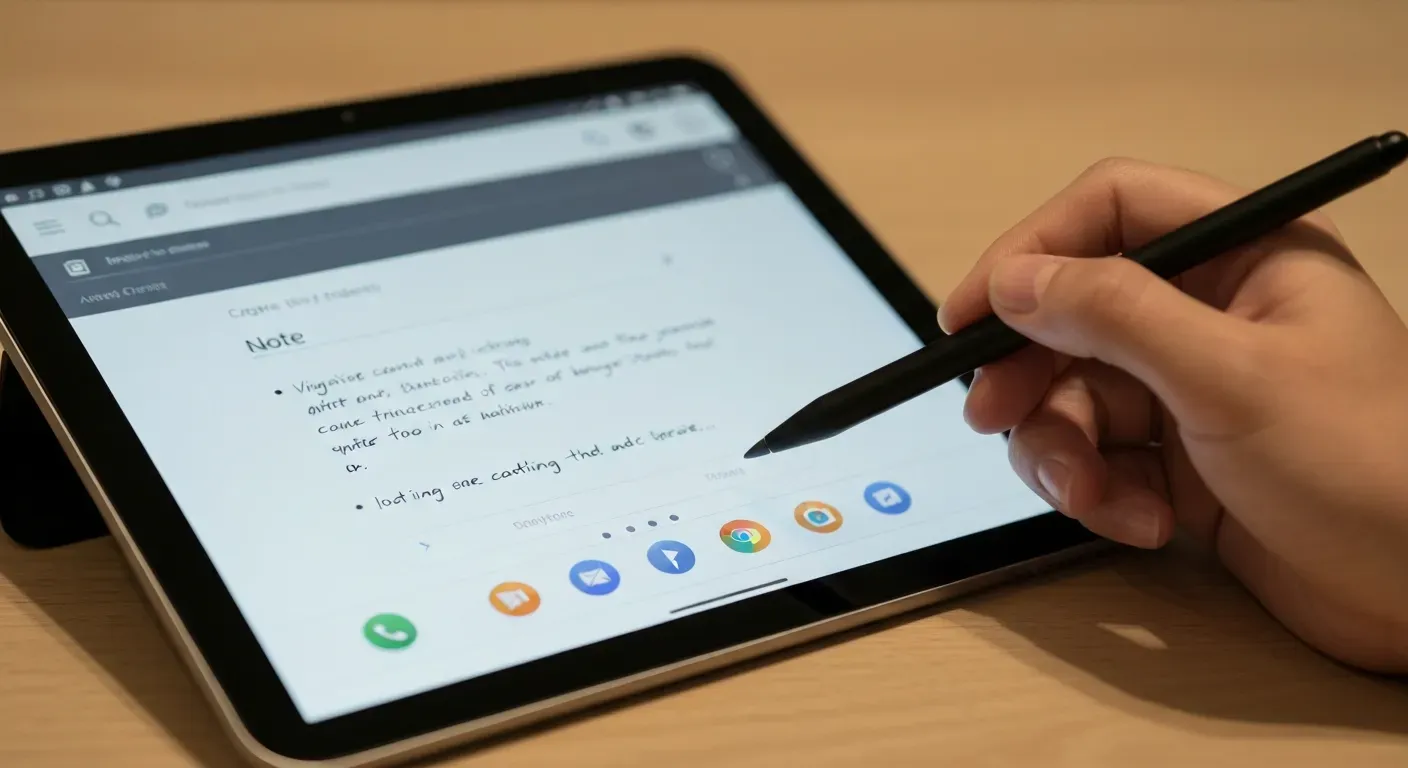
Imagine stepping into a critical meeting where every spoken word is instantly analyzed, organized, and stored without you lifting a finger. By 2026, the era of frantically scribbling messy details is over, replaced by intelligent systems that work as hard as you do. This technological shift turns your device into a proactive business partner rather than just a passive digital screen.
To truly thrive in this fast-paced professional landscape, your mobile hardware must evolve far beyond simple stylus inputs and basic apps. An optimized android note taking tablet is now the essential centerpiece of a modern, highly efficient workflow. It bridges the complex gap between capturing raw audio data and generating actionable, high-level insights instantly.
In this comprehensive guide, we will show you exactly how to harness AI audio intelligence to completely revolutionize your daily tasks. You will learn to select the ideal hardware, leverage the specific power of the Vemory app, and automate your routine processes. Get ready to unlock unparalleled productivity and fundamentally transform how you manage information in 2026.
Top 7 Android Tablets for AI-Powered Productivity in 2026
AI integration transforms how professionals handle workflows in 2026. Choosing the right device requires analyzing processor capabilities, screen real estate, and stylus latency. The following devices represent the current peak of hardware engineering for users seeking a reliable android note taking tablet.
1. Samsung Galaxy Tab S10 Ultra: The Ultimate Creative Canvas
The Samsung Galaxy Tab S10 Ultra centers its design around a 14.6-inch display. This screen size accommodates detailed schematics and split-screen multitasking without compromise. The device runs on the MediaTek Dimensity 9300+ processor. This chipset specifically targets demanding AI workloads and complex rendering tasks.
Creatives utilize the S Pen for high-precision input. The tablet supports advanced multitasking features, allowing users to run multiple applications simultaneously. Its architecture prioritizes sustained performance for professional-grade applications. This combination of screen size and processing power establishes it as a primary tool for digital artists and data analysts.
2. Samsung Galaxy Tab S10 FE Plus: A Robust Workspace for AI Tasks
Samsung designed the Tab S10 FE Plus with a 13.1-inch display. This size balances portability with a wide visual workspace. The device features Samsung’s DeX environment. DeX projects a desktop-like interface, enabling windowed app management and familiar file navigation.
Durability remains a core specification. The tablet carries an IP68 rating for water and dust resistance. This standard ensures functionality in diverse field conditions. Professionals use this device for consistent AI-assisted tasks and data entry in environments where standard tablets might fail.
3. Samsung Galaxy Tab S10: Intelligent Note-Taking with Galaxy AI
The Samsung Galaxy Tab S10 integrates Galaxy AI’s Note Assist directly into the workflow. This feature organizes unstructured notes automatically. The device pairs this software with an S Pen that achieves nine-millisecond latency. This low latency mimics the physics of pen on paper.
Users utilize handwriting-to-text conversion to digitize meeting logs instantly. The tablet supports DeX for desktop emulation when connected to external monitors. The MediaTek Dimensity 9300+ processor executes these AI functions locally, ensuring speed and data privacy during operation.
4. Samsung Galaxy Tab S10 Plus: Premium Multitasking for Productivity
The Samsung Galaxy Tab S10 Plus functions as a versatile workstation. It incorporates the MediaTek Dimensity 9300+ processor to drive AI-intensive applications. The chassis features a water-resistant design, protecting internal components during travel or coffee shop work sessions.
The included S Pen delivers precise input for diagrams and annotations. This tablet targets users who require a balance between the massive Ultra screen and the standard model. It handles complex multitasking scenarios, such as video conferencing while editing documents, without performance throttling.
5. OnePlus Pad 3: Peak Performance for AI-Driven Workflows
The OnePlus Pad 3 utilizes the Snapdragon 8 Elite chipset. This processor architecture prioritizes top-tier AI productivity and machine learning computation. The device features a 144Hz display. This high refresh rate ensures zero visual lag during scrolling or stylus interactions.
Battery performance supports extended work sessions without a charger. The system optimization ensures the device maintains high frame rates during note-taking and AI interactions. This tablet suits users who prioritize raw processing speed and fluid display mechanics.
6. 2024 Lenovo Tab P12: Affordable Powerhouse for AI and Note-Taking
The 2024 Lenovo Tab P12 centers on a 12.7-inch 3K OLED screen. This panel delivers high contrast and sharp text rendering. Lenovo includes the Tab Pen Plus with the device. This stylus features high pressure sensitivity levels for varied line weight control.
The system comes pre-loaded with Microsoft Office apps. This software integration allows immediate productivity out of the box. The combination of the OLED display and the pressure-sensitive pen makes it a practical choice for digital note-taking workflows that require visual clarity.
7. Microsoft Surface Pro: AI Copilot+ Enhanced Productivity
The Microsoft Surface Pro operates on the Copilot+ platform. This system integrates AI directly into the OS for task automation and data retrieval. The device pairs with the Surface Slim Pen 2. This stylus provides haptic feedback to simulate paper texture.
While often compared alongside Android options, this device targets users deeply integrated into Microsoft ecosystems. It facilitates detailed digital sketching and structured note-taking. The portability factor combines with desktop-class architecture to support heavy productivity software in 2026.
| Tablet Model | Display Spec | Processor | Key Feature |
|---|---|---|---|
| Galaxy Tab S10 Ultra | 14.6-inch | Dimensity 9300+ | Massive Canvas |
| Galaxy Tab S10 FE Plus | 13.1-inch | Proprietary | IP68 Rating / DeX |
| Galaxy Tab S10 | Standard | Dimensity 9300+ | 9ms S Pen Latency |
| OnePlus Pad 3 | 144Hz Panel | Snapdragon 8 Elite | High Refresh Rate |
| Lenovo Tab P12 | 12.7-inch 3K OLED | Octa-core | Tab Pen Plus Included |
| Surface Pro | PixelSense Flow | Copilot+ Platform | Surface Slim Pen 2 |
Supercharge Your Tablet with Vemory
Hardware provides the foundation, but software determines efficiency. Vemory stands as a must-have utility app for every tablet owner listed above. It is not a corporate suite, but an innovative productivity tool designed to maximize mobile workflows.
The app features a clean UI that eliminates clutter. It utilizes fast processing to capture information instantly. Secure cloud sync ensures data remains accessible across all devices. Vemory solves a critical user pain point: stop trying to type on glass screens during meetings.
Vemory delivers 98% Transcription Accuracy. This capability turns voice recordings into precise text, allowing users to focus on the conversation rather than the keyboard. It transforms a standard android note taking tablet into an automated secretary. Unlock the full potential of your device. Download Vemory for a Free Trial today.
Setting Up Your Perfect AI Productivity Workflow on Android Tablets
In 2026, mobile productivity relies on the integration of robust hardware and intelligent software. An android note taking tablet serves as the central hub for this workflow. You need a device that handles multitasking and an app that captures data accurately. This guide outlines the specific steps to build an efficient, automated system.
Step 1: Choosing the Right Android Tablet
Select a tablet with robust processing capabilities to handle AI tasks. Look for devices running the MediaTek Dimensity 9300+ or Snapdragon 8 Elite chipsets. These processors manage on-device computation efficiently. Prioritize models with high-fidelity microphone arrays for clear audio capture. The Samsung Galaxy Tab S10 series provides these specifications alongside precise stylus support.
| Feature | MediaTek Dimensity 9300+ | Snapdragon 8 Elite |
|---|---|---|
| Primary Focus | High-efficiency Multitasking | Peak AI Computation |
| Audio Handling | Low-latency DSP | Advanced Noise Cancellation |
| Ideal Use Case | Long-duration Recording | Real-time Processing |
Step 2: Integrating the Vemory App for AI Audio Intelligence
Hardware requires the right software to function effectively. Vemory acts as the missing piece for your workflow. This innovative productivity tool integrates AI audio intelligence directly into the Android experience. It offers a clean UI, fast processing, and secure cloud sync for immediate data protection.
Stop trying to type on glass screens during meetings. Vemory delivers 98% transcription accuracy. This precision supercharges your tablet’s capabilities, turning it from a passive screen into an active assistant. You capture spoken information effortlessly while the app handles the documentation.
Step 3: Optimizing Your Workflow for Meetings and References
Maximize efficiency by utilizing dual functionality. Launch Vemory to record discussions in the background. Use the remaining screen real estate for referencing documents, checking emails, or sketching diagrams. This split-screen approach ensures you capture every detail without losing access to critical data.
Leveraging Key Features: Multi-language Translation and Smart Summaries
Modern business involves global communication. Vemory provides multi-language translation to bridge communication gaps instantly. The app generates smart summaries from lengthy recordings. You grasp the core message of an hour-long meeting in minutes. These AI-driven features reduce review time significantly.
Seamless Syncing: Beyond the Tablet with IoT Hardware
Extend productivity beyond the device. Sync your data with IoT hardware to access notes even when the tablet stays behind. Your workflow remains connected and accessible anywhere. Unlock your tablet's full potential now. Download the Vemory app for a Free Trial today.
FAQ (Frequently Asked Questions)
Q1: What makes Android tablets suitable for AI productivity in 2026?
A1: In 2026, android note taking tablet devices feature processors capable of heavy local AI computation. They also boast high-fidelity displays and low-latency stylus inputs. This hardware supports specialized productivity apps that transform tablets into powerful workstations.
Q2: How does AI audio intelligence enhance note-taking on a tablet?
A2: AI audio intelligence automatically transcribes speech, generates summaries, and isolates action items. Real-time translation handles multilingual conversations without external tools. This automation significantly reduces manual effort, allowing users to focus on discussions.
Q3: Can I use my existing Android tablet for AI productivity, or do I need a new one?
A3: Many existing tablets can handle basic AI tasks. However, newer models with dedicated NPU chips process data locally for lower latency and better performance. Upgrading ensures optimal performance for advanced AI features.
Q4: What are the key hardware specifications to look for in an AI productivity tablet?
A4: Prioritize chipsets like Snapdragon 8 Elite or Dimensity 9300+ for AI processing. Look for high-fidelity microphone arrays for clear audio capture. Sufficient RAM (12GB+) and a stylus with high pressure sensitivity are also crucial.
Q5: How does Vemory differ from standard note-taking apps?
A5: Vemory uses AI for 98% transcription accuracy, unlike manual entry in standard apps. It offers a clean UI, fast processing, and secure cloud sync. This tool automates administrative duties and transforms mobile device usage.
Unlock your tablet's full potential now. Download the Vemory app for a Free Trial today.
Conclusion
In 2026, your device has evolved far beyond a simple digital canvas into a sophisticated engine for professional efficiency. An optimized android note taking tablet is now the central hub for anyone looking to harness the full potential of artificial intelligence. By integrating advanced hardware with smart software, you seamlessly transform how you capture, analyze, and process information every single day.
To fully maximize this potential, you must prioritize a device equipped with superior audio capture and robust processing power to handle complex real-time AI tasks. Once equipped, install innovative applications like Vemory to automate your workflow through instant translation and intelligent content summarization. These critical steps ensure you stop merely drawing and start automating your most time-consuming administrative duties effectively.
Do not let your technology lag behind while the rest of the professional world embraces the future of automated productivity. Download Vemory for free today to unlock these powerful features and completely revolutionize your android note taking tablet experience immediately. Embrace these cutting-edge tools now to stay ahead of the curve and redefine exactly what you can achieve in 2026.