5 Common Mistakes Using AI Meeting Assistants and How to Fix Them
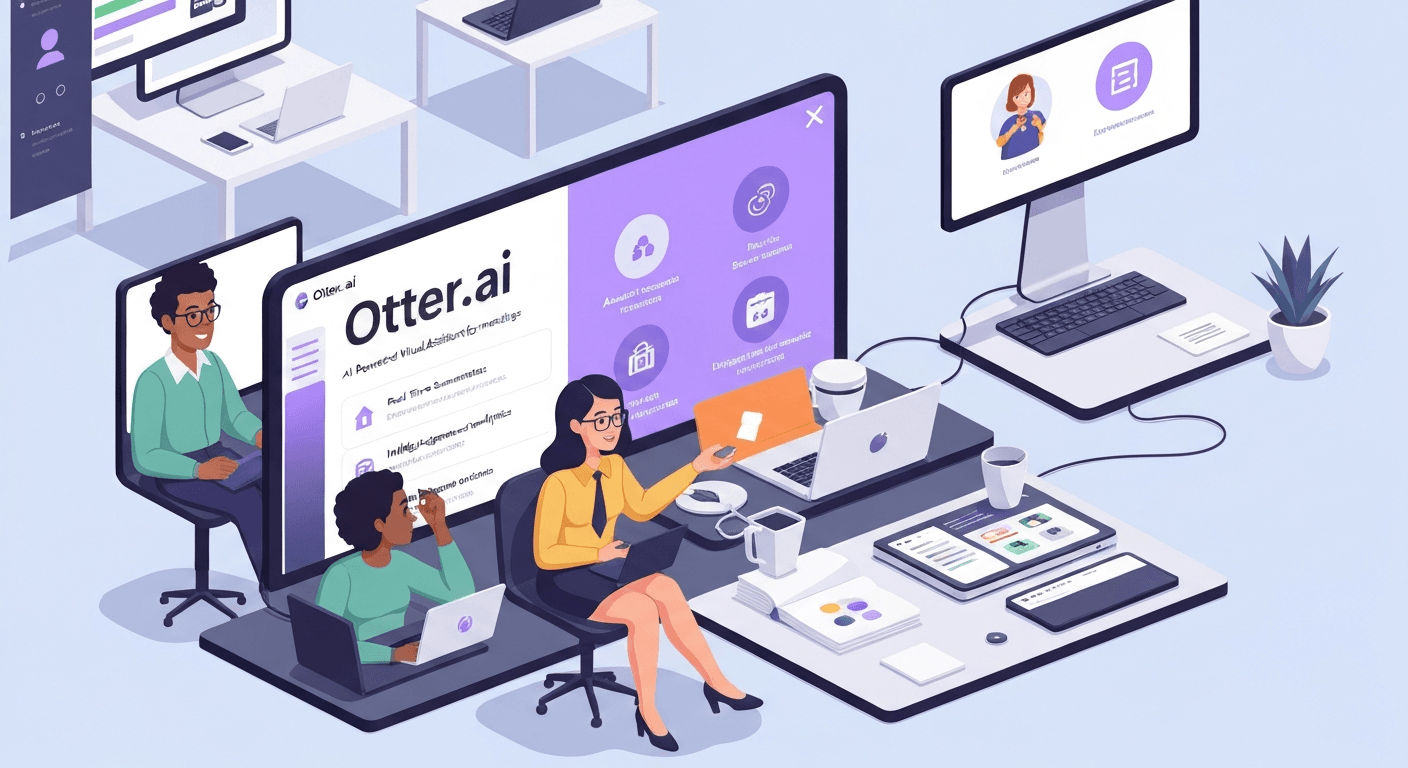 By 2026, artificial intelligence has become the silent partner in almost every conference room. Yet, many professionals are discovering that simply hitting "record" creates more clutter than clarity. Are you inadvertently hindering your progress by falling into traps that waste valuable time?
As the technology evolves, popular meeting tools like otter ai have revolutionized how we capture conversations. However, they are not magic wands that function perfectly on autopilot. Relying too heavily on these systems often leads to missed context and security vulnerabilities.
You need to actively manage these digital assistants to truly benefit from their capabilities. This guide identifies the five most frequent errors users make and provides actionable solutions. Read on to learn how to refine your strategy and restore human connection to your meetings.
Top 5 Mistakes Using AI Meeting Assistants and How to Fix Them
The integration of artificial intelligence into the workplace has streamlined administrative tasks. Meeting tools like otter ai set a high standard for efficiency. However, simply deploying these tools does not guarantee success.
Many professionals fall into behavioral traps that negate the benefits of automation. By identifying these common pitfalls, teams can refine their workflows. This ensures technology acts as a true force multiplier rather than a distraction.
1. Over-reliance on AI for Note-Taking
One of the most frequent errors is assuming that AI meeting assistants capture every nuance without human oversight. Users often treat the transcript as the final source of truth immediately after the call ends.
While tools like Vemory's AI assistant excel at transcription, they can occasionally miss context or misinterpret jargon. This leads to incomplete AI meeting notes that fail to capture the subtle intent behind a statement.
To fix this, always review and edit AI-generated notes, treating them strictly as a first draft. It is essential to add missing details and ensure action items are accurate before distribution. This human-in-the-loop approach enhances meeting productivity and ensures effective follow-ups.
| Feature | Raw AI Output | Human-Refined Notes |
|---|---|---|
| Contextual Understanding | Literal interpretation of words | Captures subtext and tone |
| Technical Jargon | May misinterpret acronyms | Corrects specific terminology |
| Action Items | Generic assignments | Specific owners and deadlines |
| Accuracy Level | High textual accuracy | 100% contextual accuracy |
2. Neglecting to Set Clear Objectives for AI Assistance
Similar to starting a meeting without an agenda, deploying an AI meeting assistant without clear objectives is a mistake. Users often fail to specify the desired outcomes from AI-powered note takers. This results in generic outputs that lack strategic value.
Without guidance, the AI may weigh a casual water-cooler chat equally with a critical budget decision. This results in a summary that is technically accurate but strategically useless.
To fix this, communicate specific goals before the meeting. You might specify that the focus should be on decisions made, risks identified, or deadlines established. This strategic direction guides the AI assistants and improves meeting efficiency significantly.
3. Ignoring the Importance of Privacy and Security Settings
AI meeting assistants often process highly sensitive information. A common mistake is not understanding or configuring privacy and security settings. This oversight can lead to potential data breaches.
For Vemory users, it is crucial to review the privacy policy and security features meticulously. You must ensure that data encryption and access controls meet your organization's compliance requirements.
"Security is not a feature; it is a necessity. Always verify who owns your voice data before pressing record."
Furthermore, obtaining participant consent before meeting recording is non-negotiable. This is vital for the responsible use of productivity tools. It maintains trust among all attendees.
4. Using AI for Complex or Sensitive Negotiations
Using AI meeting assistants in highly sensitive situations like complex negotiations can be detrimental. These scenarios require empathy and nuanced communication that current AI assistants lack.
When a recording indicator is visible during a delicate HR conversation, it can inhibit open dialogue. Participants may feel monitored rather than heard. This stifles the genuine connection needed to resolve conflict.
To fix this, exercise judgment. Reserve AI meeting assistants for informational meetings and brainstorming sessions. For critical discussions, rely on traditional methods or a human scribe to capture subtle dynamics.
5. Expecting AI to Replace Human Interaction and Engagement
AI meeting assistants are tools to enhance productivity, not substitutes for active participation. A dangerous mistake is allowing the AI to become an excuse for participants to disengage.
This behavior leads to passive meetings where attendees multitask, assuming they can just "read the transcript later." Consequently, immediate feedback is lost. Collaborative momentum stalls.
To fix this, emphasize that the AI frees participants to focus on discussion, not tune out. Encourage active listening and use the AI summarization features to prompt further dialogue. This boosts overall meeting efficiency and leverages generative AI.
| Usage Style | Passive (Mistake) | Active (Best Practice) |
|---|---|---|
| Attention | Multitasking during calls | Focused entirely on the speaker |
| Follow-up | Reading summary only | Adding insights to the summary |
| Outcome | Low engagement | High collaboration |
By avoiding these five common mistakes, teams can leverage the full power of their digital assistants. The goal is to let the AI handle the administration. This allows humans to focus on the strategy and connection.
Maximizing Your AI Meeting Assistant in 2026
As the digital workplace evolves, relying on memory for meeting details is a thing of the past. By 2026, AI assistants have become central to operational efficiency.
Maximizing these tools requires more than just pressing record. It demands a strategic approach to software selection and meeting behavior to truly capture value.
Choosing the Right AI Meeting Assistant
When selecting an AI meeting assistant in 2026, consider factors like accuracy and integration capabilities. While many meeting tools like otter ai offer standard features, you must look for advanced capabilities. Context-aware AI summarization is essential for modern workflows.
Vemory aims to provide a seamless experience, ensuring your AI-powered note taker enhances meeting productivity. Evaluate potential tools based on how they handle complex data integration. Workflow automation is key to success.
| Feature Category | Basic Transcription Tools | Advanced AI Assistants (2026) |
|---|---|---|
| Core Function | Simple Speech-to-Text | Contextual Summarization |
| Integration | Manual File Export | CRM & Calendar Sync |
| Action Items | Manual Tagging | Auto-Detection & Assignment |
| Analysis | Keyword Search | Sentiment & Trend Analysis |
Best Practices for AI-Powered Note Takers
To get the most out of your AI assistants, establish clear protocols. Even sophisticated algorithms perform better with high-quality audio input. Encourage participants to speak clearly and avoid excessive crosstalk.
Pro Tip: Explicitly confirming key decisions verbally ensures the AI transcription tool captures accurate AI meeting notes, leading to more effective meeting recaps and follow-ups.
Integrating AI Transcription Tools for Better Follow-Ups
Leverage the capabilities of AI transcription tools to transform your meeting workflows. Utilize meeting recording features not just for storage, but for documentation and strategic analysis.
By implementing these strategies, you can significantly boost meeting efficiency. This ensures that valuable insights from every discussion are captured and acted upon. It turns your meetings into actionable business intelligence.
FAQ (Frequently Asked Questions)
Q1: How accurate are AI meeting assistants in 2026?
A1: Transcription accuracy is high, handling various accents and background noise effectively. However, human review remains essential for technical terminology. Algorithms in meeting tools like otter ai are powerful but not infallible regarding complex nuances.
Q2: Is my data safe with AI note-takers?
A2: Security depends on the provider's encryption and access controls. Always review privacy policies before recording. Ensure the tool complies with your organization's data governance standards to prevent unauthorized access or breaches.
Q3: Will AI replace human note-takers entirely?
A3: AI excels at verbatim capture and summarization but lacks emotional intelligence. For sensitive negotiations or reading the room, human judgment is irreplaceable. AI should serve as a tool to augment, not replace, human observation.
Q4: Do these tools integrate with CRM systems?
A4: Yes, most modern AI assistants sync seamlessly with CRMs and calendars. This automation ensures action items and summaries are immediately actionable within your existing workflow. It reduces manual data entry significantly.
Q5: How does generative AI improve meeting notes?
A5: Generative AI synthesizes context to create concise summaries rather than just transcripts. It identifies key decisions and action items automatically. This transforms raw text into structured, strategic business intelligence.
Conclusion
As we navigate the professional landscape of 2026, AI meeting assistants are indispensable for productivity. Utilizing advanced meeting tools like otter ai allows teams to capture crucial details accurately. By avoiding the common pitfalls discussed, you can fully unlock the potential of these powerful assets.
Take a moment to critically review your current workflows and identify the mistakes highlighted in this guide. Prioritize setting clear objectives and maintaining strict human oversight to enhance your results. Implementing these strategic fixes will immediately improve the accuracy of your AI-generated meeting notes.
Are you ready to elevate your team's collaboration and banish inefficiency? Explore Vemory’s advanced AI meeting assistant today to experience unparalleled precision. Embrace these innovative solutions now to completely transform how your team connects and succeeds.