
You leave the room thinking the meeting went well. Then the doubts start. Did the client say the rollout should happen next Tuesday or next quarter? Was the budget cap $15,000 or $50,000? Who owned the follow-up with legal?
That gap is where good meetings quietly fall apart. In-person conversations move fast, people interrupt each other, and the most useful detail often shows up in an offhand sentence near the end. If nobody captures it cleanly, the team walks away with five slightly different versions of what happened.
That is why in-person meeting transcription matters. Not because transcription is trendy, and not because every conversation needs an AI layer. It matters because face-to-face meetings still carry the highest-stakes work: client negotiations, hiring loops, project kickoffs, workshops, boardroom updates, and cross-functional decisions that are painful to reconstruct later.
Most guides on this topic stop at generic advice like “use Otter” or “record the meeting.” That is not enough. Recording an in-person meeting is harder than recording a Zoom call, and the quality gap gets expensive fast. If the audio is muddy, speaker labels break. If the room is noisy, summaries become guesswork. If the tool only works well on virtual calls, the transcript becomes a mess.
So this guide takes a more practical route. I’ll walk through what makes in-person transcription difficult, how the technology works in plain English, what to test before you trust any app, and where a tool like Vemory fits naturally if you need multilingual support or a less awkward recording setup than leaving your phone in the middle of the table.
Why In-Person Meeting Transcription Is Harder Than Most People Expect
If you have only used AI notes inside Zoom, Google Meet, or Microsoft Teams, it is easy to assume transcription is a solved problem. It isn’t. Virtual meetings give transcription tools a clean feed. In-person meetings give them a room full of variables.
One room, one microphone, many problems
On a video call, each person usually speaks through a separate microphone. The platform can isolate those streams, normalize the volume, and hand relatively clean audio to the transcription engine. A phone on a conference table cannot do that. It hears everything at once: the loudest person in the room, the quietest person at the far end, air conditioning, keyboard taps, coffee cups, hallway noise, and the side comment someone thought would not matter.
That difference changes accuracy more than most buyers realize. Under ideal conditions, some platforms report transcription accuracy near 99%. In an uncontrolled room, accuracy drops quickly because the model is not just recognizing speech. It is trying to separate overlapping voices, recover missing consonants, and guess at context from partial audio.
Speaker labels are much less reliable in person
Speaker diarization sounds technical, but the idea is simple: the system tries to figure out who said what. In virtual meetings, this is easier because the platform already knows which user account is speaking. In a physical room, the app has to infer speaker changes from tone, cadence, and volume patterns. That works reasonably well in quiet two-person conversations. It gets messy when six people interrupt each other during a planning meeting.
That is why a transcript that looks fine at first glance can still fail you in practice. The words may be mostly right, but the action item is assigned to the wrong person. For project work, that is not a minor error. It changes accountability.
Many “AI meeting assistants” were never built for this job
A lot of meeting tools were designed around bots joining calls. That works for remote meetings. It does nothing for a client lunch, an in-office interview, a workshop, or a conference-room discussion with no dial-in link. For those situations, you need a product that supports standalone recording, strong mobile capture, or a dedicated recording device. Without that, you are forcing a virtual-first tool into an in-person workflow it was not designed to handle.
What Actually Goes Wrong in Real Meetings
The biggest mistake in articles like this is pretending the problem is abstract. It isn’t. The pain is specific, repetitive, and expensive in ways most teams only notice after a few bad follow-ups.
You cannot listen well and take detailed notes at the same time
Anyone who has tried to lead a discovery call, vendor meeting, or hiring interview already knows this. The moment you start writing everything down, you stop listening for nuance. You miss hesitation. You miss tone. You miss the follow-up question that would have uncovered the real issue. In practice, manual note-taking usually forces a tradeoff between presence and documentation.
The “official notes” often reflect one person’s bias
When one teammate becomes the note-taker by default, the meeting record starts to mirror that person’s priorities. Engineering remembers blockers. Sales remembers objections. Operations remembers deadlines. None of that is dishonest, but it is incomplete. A transcript gives you a fuller raw record before anyone turns it into a summary.
Bad room audio creates false confidence
This one is easy to underestimate. A transcript with 85% accuracy can look usable until you check the lines that actually matter: pricing, names, deadlines, next steps, compliance terms, product jargon, or multilingual exchanges. That is usually where mistakes cluster. The result is worse than having no transcript at all, because the team trusts something that is partially wrong.
Manual recap work adds up faster than people think
If you attend four or five meetings a day, even a modest 10-minute recap after each one turns into hours every week. The time drain is not just the writing. It is the context switching, the audio rewinding, the “who said this?” detective work, and the back-and-forth when two people remember the same conversation differently.
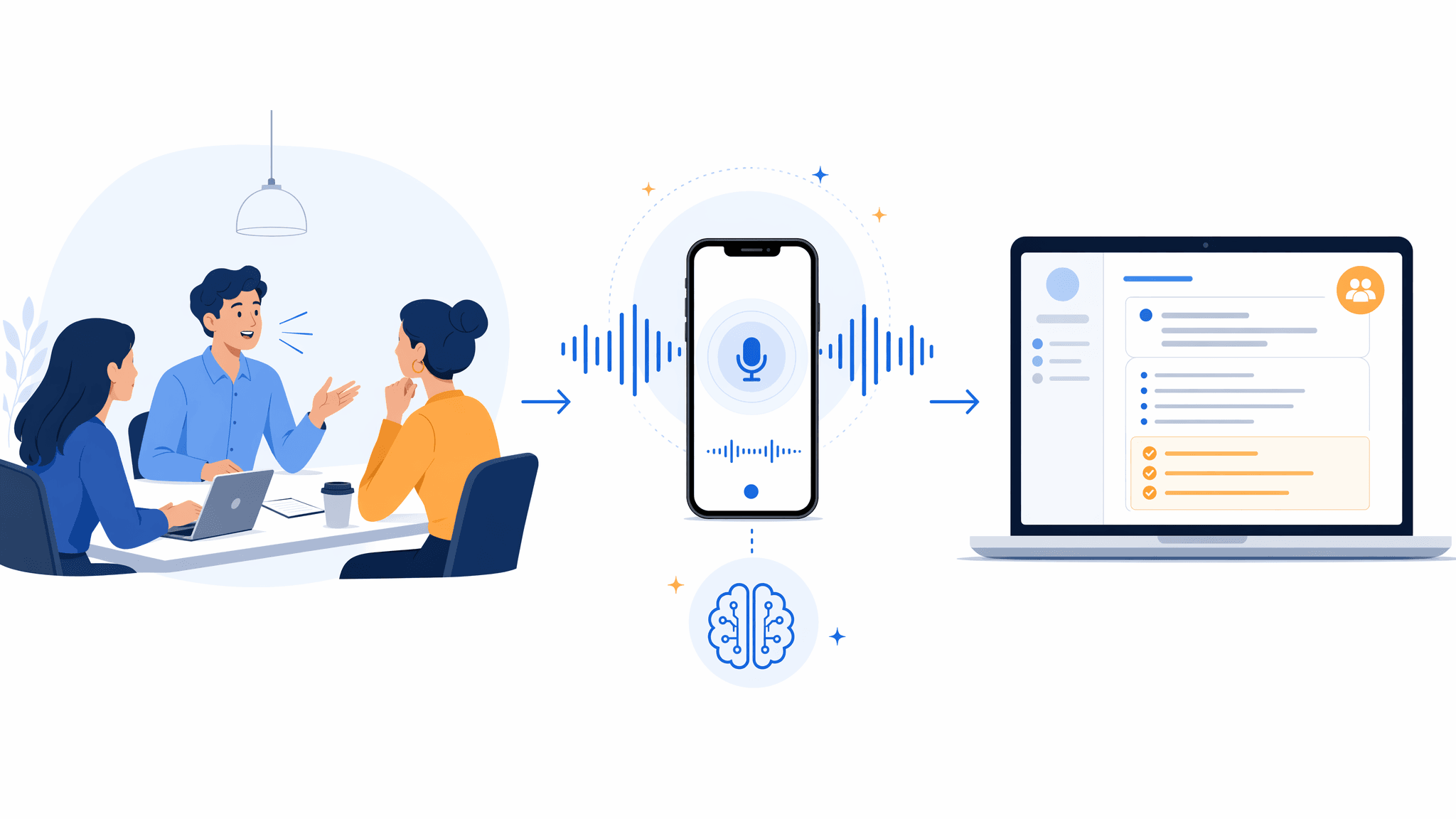
The real value is not raw transcription alone. It is the workflow from room audio to searchable notes, speaker separation, summaries, and usable follow-up.
How AI Meeting Transcription Works — In Plain English
You do not need to understand the math behind speech models to choose the right setup. But you do need a rough picture of what the software is trying to do, because that explains why some apps perform well in conference rooms and others fall apart.
Step 1: capture usable audio
Everything starts with the recording. If the microphone picks up muddy, uneven audio, the app is already behind. Some tools try to clean the signal with noise reduction, echo control, and gain adjustment before transcription begins. That can help, but it cannot fully rescue a phone that was buried under papers at one end of the table.
Step 2: turn speech into text
This is automatic speech recognition, or ASR — the part that converts sound into words. In simple terms, the model listens to tiny slices of audio, predicts the most likely words, and keeps updating that guess as the sentence unfolds. Modern models handle filler words, accent variation, and normal conversational messiness much better than older dictation tools did.
Step 3: estimate who is speaking
This is speaker diarization — basically, the software trying to separate one voice from another. It is useful when it works and risky when buyers overtrust it. In a two-person room, it is usually manageable. In a crowded room with crosstalk, you should expect some cleanup.
Step 4: summarize what matters
Once the transcript exists, a second AI layer turns it into something people can use: summaries, action items, decisions, keywords, and searchable highlights. That is the part most teams care about. A raw transcript is only half the job. The real win is reducing the time between “meeting ended” and “everyone knows what to do next.”
A Better Workflow for Your Next In-Person Meeting
If you want usable transcripts instead of clutter, the setup matters as much as the app. This is the workflow I would trust for a real business meeting.
Pick the recording setup based on the room, not convenience alone
For a two-person coffee meeting, a phone can be enough if you place it well. For a six-person conference room, I would rather use a dedicated recorder or a device with better microphone coverage. A wearable recorder or badge can also make sense when pulling out a phone feels socially awkward or when you need more consistent voice pickup while moving around.
Test the exact setup before a high-stakes meeting
Do a 30-second recording in the actual room if you can. Listen for distance, echo, and HVAC noise. If names sound muddy in the test clip, they will sound worse after a 45-minute meeting. This tiny step prevents most “the app failed” complaints that are really audio-capture failures.
Place the recorder where the conversation happens
The center of the table beats the edge almost every time. Keep the microphone clear of folders, laptop fans, and coffee cups. In longer rooms, two recording points can be safer than one. The goal is simple: reduce the volume gap between the nearest voice and the farthest one.
Tell people you are recording before the first serious point comes up
This is good legal hygiene, and it is good meeting hygiene. A simple line works: “I’m recording this so I can send accurate notes after. Is everyone comfortable with that?” It feels more professional than secretive, especially in client or hiring contexts.
Use the meeting to listen, not to transcribe manually
If the recording is on, stop trying to capture every sentence by hand. Use your attention on follow-up questions, objections, priorities, and body language. If something sounds crucial, drop a quick marker or write a two-word reminder. Do not split your attention for the entire meeting.
Review the transcript while the conversation is still fresh
The best time to fix speaker names, jargon, or unclear action items is within an hour of the meeting. That is also when summaries are easiest to validate. If an app generated a polished recap but missed who owns the next step, fix that before the summary gets shared with the team.
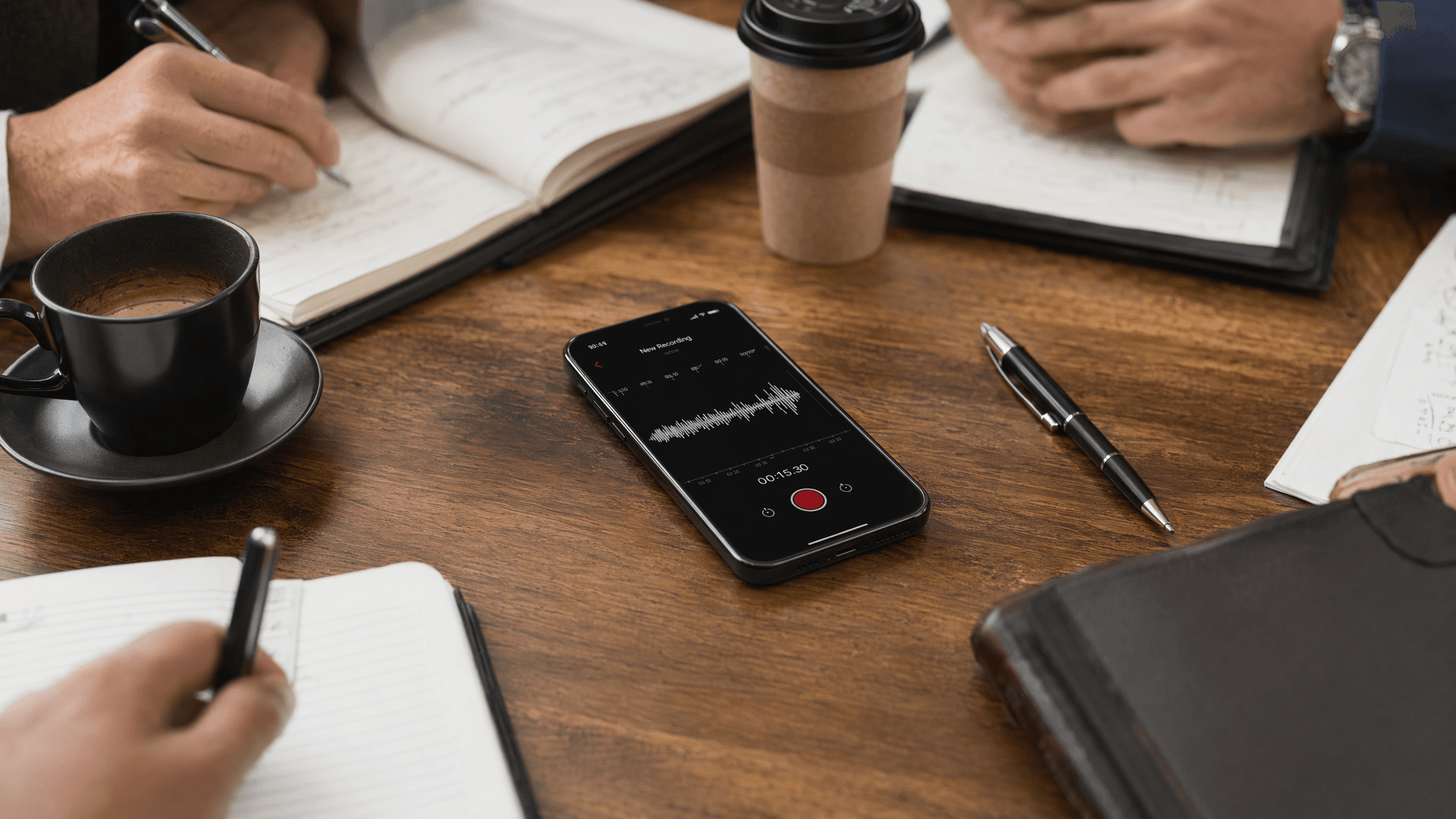
Recorder placement is not a small detail. In most rooms, it is the difference between a usable transcript and a cleanup project.
What to Look for in an In-Person Meeting Transcription App
Most buyers compare feature lists. That is fine as a starting point, but the better question is this: what will still work when the room is imperfect? That is where real differences show up.
- Standalone recording support. If the product only shines when it joins a Zoom call, it is the wrong tool for in-person work.
- Speaker handling that is good enough for your team size. Two speakers and eight speakers are different problems. Test with the kind of room you actually have.
- Multilingual coverage. If your meetings switch between English and another language, or between multiple accents, this matters more than flashy summary templates.
- Transcript-to-audio playback. Being able to click a sentence and hear the original audio saves a lot of cleanup time.
- Privacy posture. For internal strategy meetings, HR discussions, or client-sensitive work, you need to know whether audio is processed locally, stored in the cloud, or retained after transcription.
- Export options that fit your workflow. A transcript that cannot move into docs, notes, or your team system becomes dead weight.
Comparison: Popular Tools for In-Person Meeting Transcription
| Tool | Best Fit | In-Person Recording | Language Coverage | Summary Layer | Notable Limitation |
|---|---|---|---|---|---|
| Otter.ai | English-first teams | Yes | Mainly English | Yes | Less compelling for multilingual rooms |
| Granola | Users who want lightweight AI notes | Yes | English-focused | Yes | Not the strongest choice for mixed-language meetings |
| Notta | Broader language support | Yes | Multi-language | Yes | Still depends heavily on room audio quality |
| Vemory | Multilingual teams and in-person-first capture | Yes | 50+ languages | Yes | As a newer product, teams should still test fit and workflow depth |
| Dedicated recorder + transcription app | Larger rooms or longer sessions | Yes | Depends on app | Depends on app | More setup and one extra handoff step |
Note: product plans, platform coverage, and free limits change often. Before publishing or buying, verify current pricing and platform details on each vendor site.
Vemory is worth testing if your meetings are multilingual or if you want a setup that feels more purpose-built for in-person capture than a generic call bot. The interesting part is not just the transcript. It is the combination of multi-language support, translation, and an IoT badge-style recording option for situations where putting a phone on the table feels clumsy. That said, I would still test it in your real environment before rolling it out widely. Newer tools can be strong in one workflow and still need polish in another.
Can You Legally Record an In-Person Meeting?
The short answer is: it depends on where you are, who is in the room, and what the meeting is about.
In the United States, recording rules vary by state. Some states follow one-party consent rules, which generally allow a participant in the conversation to record it without telling everyone else. Others require all parties to consent. Outside the U.S., the rules differ again, and workplace policy may be stricter than local law.
That is why the safest working rule is simple: tell people before you record. Even when the law might allow recording without notice, transparency protects trust. It also avoids the awkward moment where a participant notices the device halfway through the meeting and starts wondering what else was not disclosed.
Recording is usually accepted when the purpose is clear: capture accurate notes, reduce admin work, and prevent missed follow-ups. What makes people uncomfortable is not the technology. It is surprise.
For legal, HR, medical, or highly sensitive client conversations, do not rely on general advice in a blog post. Check company policy and local requirements before you use any recording workflow.
7 Practical Ways to Improve Transcription Accuracy
You do not need studio conditions. But you do need to give the software a fighting chance.
- Place the device in the middle of the group. If the recorder sits next to you, you get your own voice and a blurry version of everyone else.
- Cut avoidable background noise. Close the door. Turn off fans if possible. Pick a quieter corner instead of a loud open area.
- Reduce overlap during important decisions. People will interrupt each other. That is normal. But when deadlines, pricing, or scope are being agreed, slow the room down.
- Use better hardware in larger rooms. A phone works for some settings. It is not a miracle device. In larger rooms, a better microphone or dedicated recorder often pays for itself quickly.
- State names clearly at the start. This helps both humans and AI when the transcript needs cleanup later.
- Review key terms immediately after. Names, acronyms, product terms, and numbers are where trust usually breaks.
- Test before you depend on it. Never make a real client meeting the first time you try a new recording workflow.
Frequently Asked Questions
The Bottom Line
In-person meeting transcription is not just a convenience feature. It is a way to reduce ambiguity after conversations where the details actually matter. Done well, it gives you a cleaner record, faster follow-up, and fewer “I thought we agreed on something else” moments.
Done poorly, it creates false confidence. That is why the right question is not “Which app has the most AI?” It is “Which setup gives my team the most trustworthy record with the least cleanup?”
Start there. Test in a real room. Fix the recording setup before blaming the software. And if your meetings regularly cross languages or happen in settings where a phone feels awkward, a tool like Vemory is worth trialing because it fits that workflow more naturally than a virtual-call bot.