5 Pitfalls of Free Online Meeting Software with Recording You Should Avoid
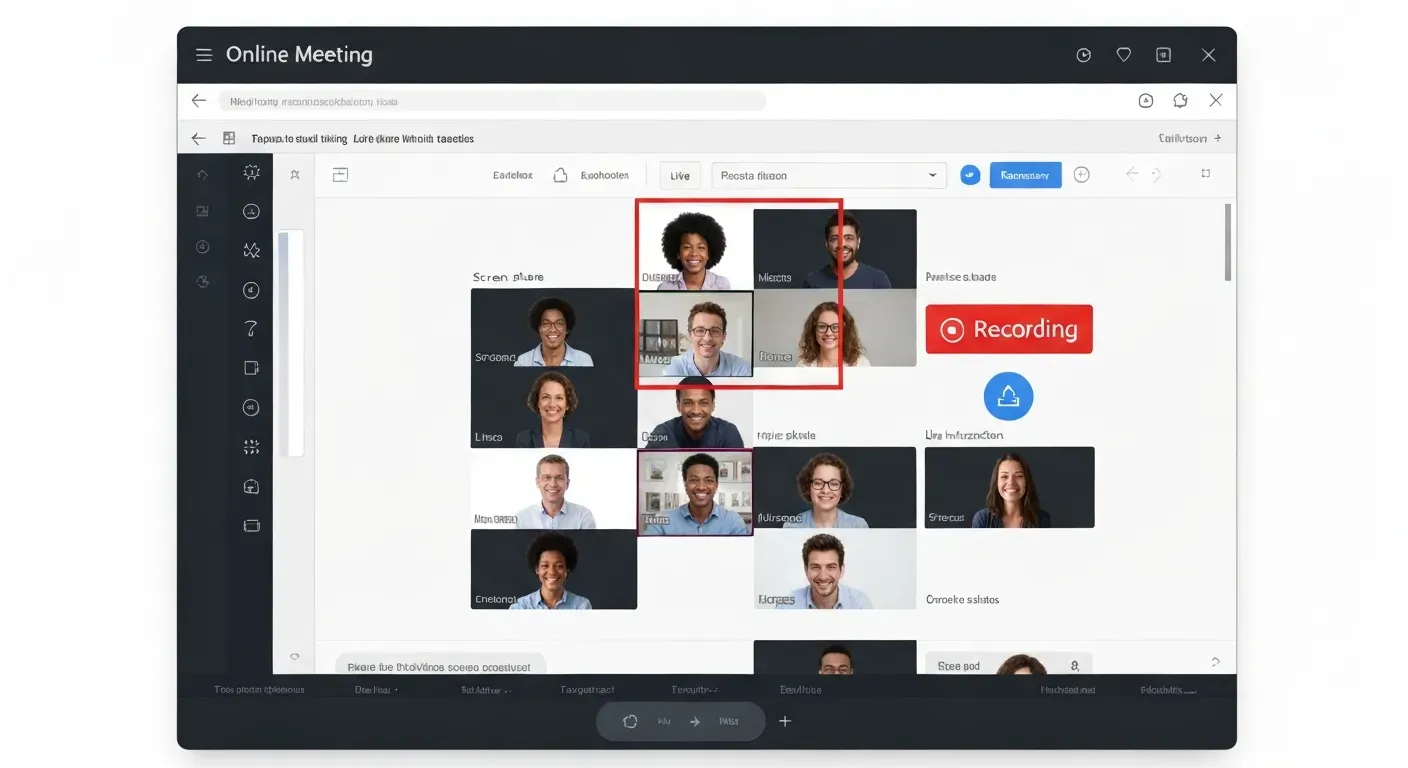 In today's fast-paced digital landscape, virtual meetings are the norm, and the allure of cost-saving solutions is undeniable. But are you truly getting the most out of those seemingly "free" platforms? Often, what appears to be a budget-friendly choice can harbor hidden challenges that silently derail your team's efficiency and even compromise your data.
When leveraging free online meeting software with recording, it's essential to look beyond the zero price tag. By 2026, understanding the inherent limitations of these tools will be crucial for making informed decisions that safeguard your collaborative efforts.
This article will illuminate the common pitfalls you might encounter, from restrictive storage and security vulnerabilities to subpar recording quality and a distinct lack of dedicated support. We'll equip you with the knowledge to navigate these challenges, ensuring your virtual interactions are both productive and secure.
Top 5 Pitfalls of Free Online Meeting Software with Recording in 2026
Teams often seek cost-effective solutions, making free online meeting software with recording appear attractive. However, these platforms present significant drawbacks. Understanding these limitations helps businesses avoid unexpected issues and workflow disruptions. This guide details five common pitfalls to consider.
1. Limited Storage and File Size Restrictions
Many free online meeting software options impose strict limits on storage capacity. Teams may find their recording storage fills up quickly, especially for frequent or lengthy meeting sessions. Users might face the need to delete valuable past recordings, hindering future reference or auditing needs. Accessing historical meeting data becomes difficult.
2. Inadequate Security and Privacy Controls
Free versions of online meeting software may lack robust security features, posing a risk for discussions involving sensitive or confidential information. Data breaches or unauthorized access to recordings become a possibility. For industries like healthcare, the absence of HIPAA compliance is a major concern. Non-compliance can result in severe legal and financial penalties. Some platforms offer HIPAA-compliant add-ons, but these are not typically part of free offerings.
3. Restricted Recording Quality and Features
Free online meeting software often compromises recording quality, with users experiencing lower resolutions or frame rates. Advanced features like local recording or automatic cloud saving may be unavailable. The ability to record specific participants might also be missing. Editing or sharing recordings can be challenging, with restrictions on trimming unwanted sections or sharing with external parties without requiring an account.
4. Watermarks and Branding on Recordings
To promote their services, many free providers add watermarks or their branding to recordings. This can appear unprofessional when sharing content with clients, as unsolicited branding detracts from the credibility of the meeting content and can undermine a company's professional image. It suggests a lack of investment in professional communication tools.
5. Lack of Dedicated Support and Updates
Users of free online meeting software typically access limited support, often relying on community-based forums. Timely and effective assistance for technical issues can be difficult to obtain, potentially disrupting critical workflows. Free versions also receive fewer updates and bug fixes, leaving users vulnerable to known issues or missing out on new features.
A significant emerging feature in meeting software is AI-powered summarization. While many paid platforms offer this, free online meeting software with recording rarely includes it. AI summaries can condense lengthy meetings into key takeaways, saving significant time for participants who missed the meeting or need a quick recap. The absence of this feature in free tools means users must rely on manual note-taking or reviewing full recordings.
Choosing a free online meeting software with recording requires careful consideration of these limitations. While appealing for short-term needs, the long-term impact on storage, security, quality, professionalism, and support can outweigh the initial cost savings. Evaluating these pitfalls is crucial for informed decision-making.
Navigating Virtual Meetings in 2026: Beyond Free Solutions
Free online meeting software with recording offers a basic entry point for virtual collaboration. However, its limitations in storage, security, and advanced features often hinder businesses. By 2026, relying solely on these free tools for critical operations can lead to inefficiencies and missed growth opportunities.
When Free Isn't Enough
Basic free online meeting software with recording often restricts meeting duration and participant numbers. Storage limits for recordings can also be a significant bottleneck. Security features may lack the robust protocols businesses require for sensitive data, impacting professionalism and operational efficiency.
Considering Paid Alternatives
As your team's collaboration needs expand, paid video conferencing platforms become essential. These services provide enhanced security measures and greater cloud storage capacity. They deliver superior recording quality and offer dedicated customer support, ensuring your virtual meetings remain productive and secure.
Key Features to Look For
When evaluating video conferencing platforms, prioritize robust security protocols like end-to-end encryption. Ample cloud storage for meeting recordings is crucial. Look for high-definition recording quality and user-friendly interfaces that facilitate seamless collaboration. Reliable support services are also vital.
Consider platforms that integrate with your existing workflow. Features like real-time translation can benefit virtual classrooms or global teams. Some platforms now offer AI summaries, which can condense lengthy meeting discussions into concise bullet points, saving valuable time. This AI summary feature allows users to quickly grasp key decisions and action items without rewatching entire recordings.
| Feature | Free Tier Example | Paid Tier Example |
|---|---|---|
| Recording Storage | 1 GB | 100 GB |
| Encryption | Basic | End-to-End |
| AI Summaries | No | Yes |
| Support | Community Forum | 24/7 Live Chat |
FAQ (Frequently Asked Questions)
Q1: Can I record meetings for free indefinitely?
A1: No, typically free online meeting software comes with limitations. These restrictions often apply to recording duration, storage space, or file size. This means you cannot record meetings for free indefinitely without encountering limitations. Paid plans usually remove these constraints.
Q2: What are the security risks of using free video conferencing tools?
A2: The primary security risks of using free video conferencing tools include potential data breaches and unauthorized access to sensitive information discussed during meetings. These platforms may lack robust encryption or compliance with regulations like HIPAA. Always verify a tool's security protocols.
Q3: How do I ensure my meeting recordings are professional?
A3: To ensure your meeting recordings are professional, avoid free platforms that impose watermarks or branding. Opt for services that offer clean recordings and high-quality output. Look for options that facilitate easy editing and sharing. Consider a paid plan or a professional AI Meeting Assistant for superior results.
Q4: Is there free online meeting software with unlimited recording?
A4: While some free online meeting software with recording may offer generous features, truly unlimited recording without any restrictions on time, storage, or file size is rare. These comprehensive recording capabilities are usually found in paid or premium plans. Always check the specific terms of service.
Q5: What's the best alternative to free meeting software with recording?
A5: The best alternative to free online meeting software with recording often involves exploring paid video conferencing platforms. AI Meeting Assistants, such as Vemory's, offer advanced features and robust security. They provide higher quality recordings. Many of these services offer a free trial, allowing you to test them before committing.
Many modern meeting platforms now integrate AI summary features. This technology can automatically generate concise summaries of your meetings, extracting key discussion points and action items. This saves significant time post-meeting. Look for platforms that offer this as a standard or add-on feature.
| Feature | Free Tier Example | Paid Tier Example | AI Assistant Example |
|---|---|---|---|
| Recording Limit | 40 minutes | Unlimited | Unlimited |
| Storage | 1 GB | 10 GB | 50 GB |
| Watermarks | Yes | No | No |
| AI Summaries | No | Yes | Yes |
| Security Compliance | Basic | Advanced | Enterprise-grade |
Conclusion
In 2026, free online meeting software with recording remains an invaluable tool for accessible virtual collaboration, but its inherent limitations in storage, security, and quality demand careful consideration. Recognizing these potential pitfalls is paramount to ensuring your team's productivity and maintaining a professional image in every virtual interaction.
To navigate these challenges effectively, thoroughly evaluate your team's specific needs regarding recording capabilities, storage capacity, and data security. Don't let the allure of "free" compromise your long-term operational efficiency; proactively explore the significant advantages offered by paid alternatives or integrated AI Meeting Assistants for a superior, more secure meeting experience.
Don't delay in elevating your team's collaborative potential; explore premium video conferencing solutions or advanced AI-powered meeting assistants today to ensure seamless, secure, and productive meetings in 2026 and beyond