What Is the Cornell Note-Taking Method?
Picture this: you're in a lecture, scribbling away. Forty-five minutes pass. You look down at your notebook and—nothing makes sense.
You're not alone. A 2021 National Survey of Student Engagement found that 96% of college students take notes, yet fewer than 30% find those notes useful when exam season hits.
The Cornell Note-Taking Method was built to solve exactly this. Developed in the 1950s by Professor Walter Pauk at Cornell University, it splits your page into three sections—not just to record information, but to process it.
Here's how it works:

The right column holds your main notes during the lecture. The left column gets your cue questions and keywords, added after. The bottom strip holds a brief summary in your own words.
Simple layout. But the power comes from how you use it.
Pauk first described this system in How to Study in College, a textbook that's been in print since 1962. He noticed Cornell students were writing notes in class and never looking at them again. His fix was to embed review directly into the note-taking structure.
Why Does It Actually Work? (The Science)
Cornell isn't popular just because it's old. It lines up with findings that cognitive science has been building for decades.
Active Recall. When you write cue questions and then cover your notes to quiz yourself, you're practicing active recall—consistently rated one of the most effective study techniques available. A meta-analysis by Dunlosky et al. (2013) in Psychological Science in the Public Interest gave practice testing "high utility," outperforming strategies like highlighting or re-reading.
The Generation Effect. Writing a summary in your own words triggers what psychologists call the generation effect: self-generated information sticks better than passively received information. Slamecka and Graf documented this as early as 1978, and the evidence has only grown since.
Spaced Review. Pauk designed the system around review cycles—cue column self-quizzing within 24 hours, then again at intervals. This mirrors the spacing effect: spreading out practice over time produces far better retention than cramming (Cepeda et al., 2006).
Dual Coding. Converting lecture content into cue words and then a summary activates multiple encoding types—verbal, conceptual, and structural. Paivio's dual coding theory (1971) predicts that multiple representation types create stronger memory traces.
Zulkarnain et al. (2019, Journal of Education and Practice) found students trained in Cornell method showed measurably higher comprehension and retention than those using unstructured notes. Jacobs (2008, ERIC) found similar results with eighth graders, noting improved confidence and fewer disruptions from note-taking interruptions.
So—is Cornell actually better than other methods? It works well because it bundles several evidence-based techniques into a single system. It's not magic. It's science, applied.
The 5 Steps: How to Take Cornell Notes
Here's how to put it into practice, whether you're in a lecture hall, a team meeting, or watching a recorded talk.
Step 1: Set Up Your Page
Divide your page into three sections:
| Section | Location | Size | Purpose |
|---|---|---|---|
| Cue Column | Left side | ~2.5 in (6 cm) wide | Keywords, questions, prompts |
| Note-Taking Area | Right side | ~6 in (15 cm) wide | Main lecture/meeting notes |
| Summary | Bottom | ~2 in (5 cm) tall | Page summary in your own words |
You can draw lines by hand, print a template, or set one up in Notion, GoodNotes, or OneNote.
Step 2: Take Notes (Right Column)
During the lecture or meeting, write in the right column. Prioritize:
- Main ideas—not a word-for-word transcript
- Key facts, definitions, and formulas
- Examples the speaker uses
- Diagrams or sketches where they help
Use abbreviations. Skip full sentences. Speed matters here—you're capturing material, not drafting an essay.
If the speaker moves faster than you can write, leave a gap and move on. Fill it in during review. The system is built for imperfect notes.
Step 3: Write Cue Questions (Left Column)
This is where the system earns its keep. Within 24 hours of the lecture, go back and write cue questions or keywords in the left column.
Say your notes say: "Photosynthesis converts CO₂ and H₂O into glucose using sunlight; occurs in chloroplasts." Your cue: "What does photosynthesis produce, and where does this happen?"
Two things happen here:
- You actively decide what matters
- You create a self-testing tool for later review
Step 4: Write the Summary (Bottom Section)
At the bottom of each page, write 2–3 sentences in your own words that capture the main point. Don't copy from the notes above—translate them.
This is the step most people skip. Reddit's r/GetStudying has no shortage of users admitting they always skip it because it "feels redundant." It isn't. If you can't summarize a page, that usually means you don't fully understand it yet.
Step 5: Review Using the Cue Column
Cover the right column with a blank sheet. Read each cue and try to answer from memory. Uncover to check.
This is active recall in practice. You'll forget things. That's the point—the effort of retrieving something is what makes it stick.
Pauk recommended reviewing within 24 hours, then at increasing intervals: 3 days, 1 week, 2 weeks. This fits naturally into a spaced repetition schedule.
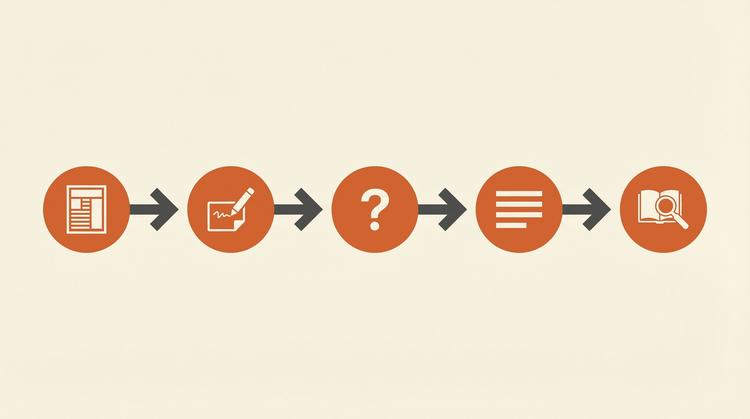
Real Examples: Cornell Notes in Action
Two examples from completely different contexts:
Example 1: A College Biology Lecture
Topic: Cell Respiration—Chapter 7
| Cue Column | Note-Taking Area |
|---|---|
| What is cellular respiration? | Converting glucose into ATP (the cell's energy currency) |
| What are the 3 main stages? | 1. glycolysis (cytoplasm) 2. Krebs Cycle (mitochondrial matrix) 3. Electron Transport Chain (inner mitochondrial membrane) |
| How much ATP per glucose? | ~36–38 ATP with oxygen; 2 ATP without (anaerobic) |
| Why is oxygen needed? | Final electron acceptor in ETC. Without it, the chain stops. |
Example 2: A Team Project Meeting
Topic: Q2 Marketing Campaign Kickoff—April 10
| Cue Column | Note-Taking Area |
|---|---|
| Q2 goal? | 25% organic traffic growth by June 30 |
| Which channels? | SEO blog + LinkedIn. Paid ads deprioritized this quarter. |
| Who does what? | Sarah: 4 blog posts/month. Mike: LinkedIn strategy and scheduling. |
| Budget? | $5K total. No contractor budget available. |
| First deadline? | Content calendar draft: April 17 |
Same framework, different contexts—that's the method's strength. It works for lectures and for meetings.
Cornell Notes vs. Other Methods
Cornell isn't the only way to take notes. Here's how it stacks up:
| Method | Best For | Limitations | Structure |
|---|---|---|---|
| Cornell Method | Lectures, meetings, review-heavy studying | Can feel rigid; not ideal for visual content | High |
| Outline Method | Hierarchical topics, textbook reading | Hard to maintain in fast lectures; no built-in review | Medium |
| Mind Mapping | Brainstorming, visual learners | Difficult to review systematically | Low |
| Charting Method | Comparing multiple items (dates, events, features) | Requires knowing categories upfront | High |
| Sentence Method | Fast lectures where you need to capture everything | No structure; hard to review | None |
| Flow Notes | Creative thinking, free-form connections | Hard to share or review later | Low |
Cornell's real edge is the review layer. Most methods optimize for capturing information and leave the studying phase up to you. Cornell builds the review step into the page itself.
It's not right for everything. For visual-heavy subjects (anatomy, architecture), mind mapping makes more sense. For comparing multiple items side by side, charting is faster. Use Cornell as your default and switch when the material calls for it.
Common Mistakes (and How to Fix Them)
After digging through Reddit threads, Quora answers, and student forums, these are the complaints that come up most often.
Mistake 1: “I write too much and run out of space”
This is the most common complaint. If your notes fill a page in 20 minutes, you're probably transcribing instead of taking notes. Paraphrase. Use bullet points and abbreviations. When a professor says, "Mitochondria are membrane-bound organelles in the cytoplasm that generate most of the cell's ATP," write: "Mitochondria → membrane-bound, cytoplasm, main ATP source."
Mistake 2: “It takes too long”
Yes, Cornell requires more effort than scribbling. But the time you spend writing cues and summaries replaces hours of re-reading before exams. Karpicke & Blunt (2011) found that students who practiced retrieval remembered 50% more a week later than those who simply re-read. The time isn't lost—it's moved earlier.
Mistake 3: “I always skip the summary”
You're skipping the most valuable part. The summary forces you to synthesize the page in your own words. If that's hard, it usually means the material isn't clear yet—which is useful information.
Mistake 4: “I never review my notes”
If you don't use the cue column for self-quizzing, you're getting less than half the system's value. Set a recurring alarm: ten minutes each morning reviewing yesterday's notes. One small habit unlocks the whole method.
Mistake 5: “It doesn't work for fast-paced lectures”
For fast lectures, just capture what you can in the right column—don't worry about neatness. The cue column and summary come after, not during. If possible, ask for slides in advance or record the session to fill gaps later.
Can AI Make Cornell Notes Even Better?
The Cornell Method predates computers. Its core ideas hold up, but the workflow has friction points that AI tools can reduce.
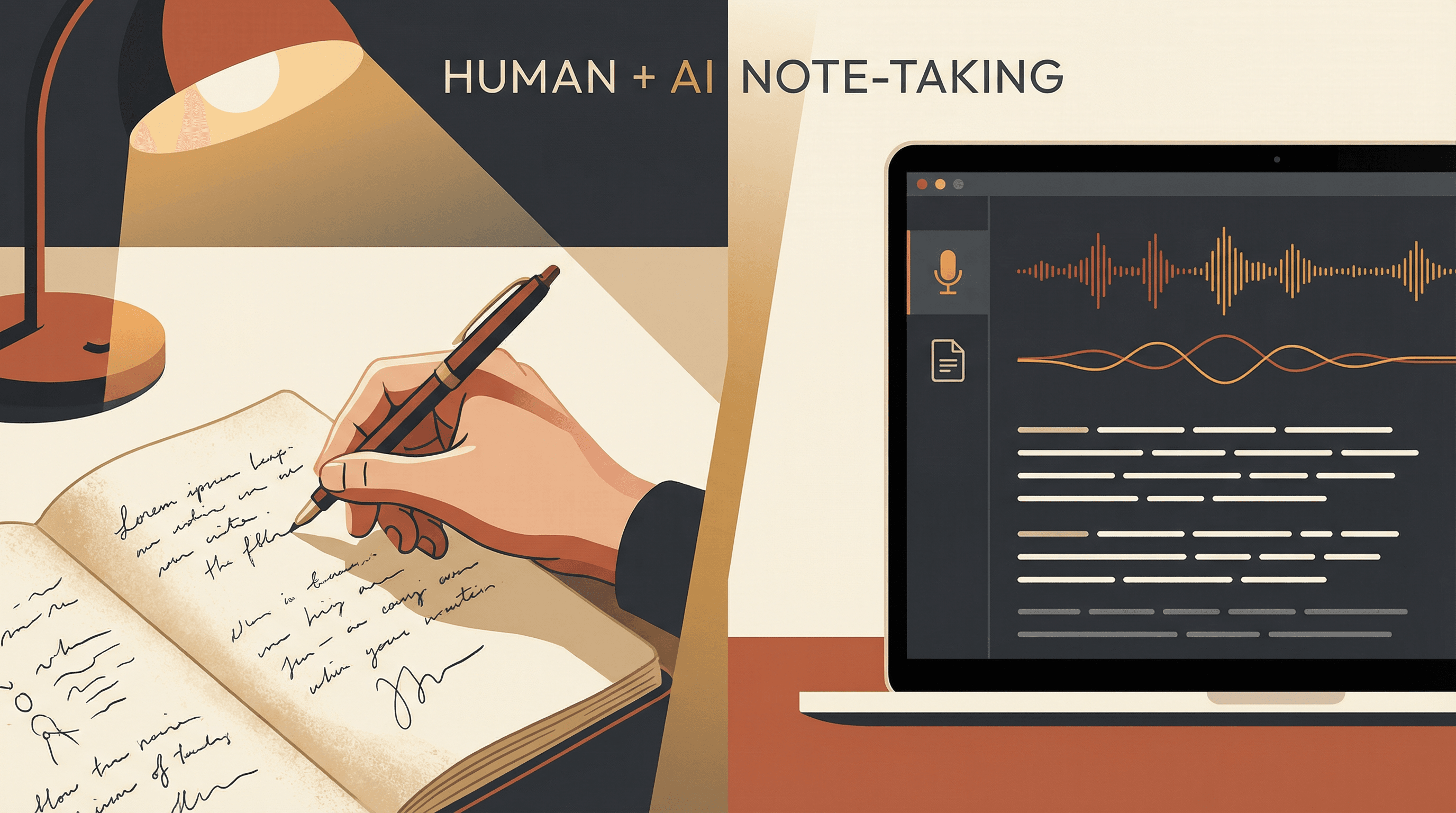
The Recording Gap. You can't write as fast as someone speaks. AI transcription handles the full audio while you jot down key points. After the session, you cross-reference your notes with the transcript to fill what you missed.
The Cue Question Gap. Writing good cues takes practice. AI can suggest questions based on your notes, which is especially helpful when you're still learning what makes a good cue.
The Summary Gap. If a dense page has you stuck, AI can draft a summary for you to edit into your own words. You're still doing the cognitive work—just with a starting point.
The Review Gap. AI can turn your cue questions into flashcards or spaced repetition schedules, taking the logistics out of review timing.
Vemory, for example, handles recording, transcription, and real-time analysis—so you can focus on the parts that actually build learning. It fits naturally into a Cornell workflow: capture audio during a lecture or meeting, then use the transcript to fill gaps before writing your cues and summary. Free during beta, with an Android app and a web version at vemory.ai.
Key insight: AI handles the parts you're bad at (capturing everything at speed) so you can focus on the parts that actually build learning (processing, questioning, summarizing).
Think of it as a division of labor:
| Task | Human | AI Tool |
|---|---|---|
| Listening & understanding context | ✓ | |
| Raw transcription / recording | ✓ | |
| Identifying key concepts for cue column | ✓ | Can suggest |
| Writing summary in own words | ✓ | Can draft |
| Active recall / self-testing | ✓ | Can schedule |
| Connecting ideas across sessions | ✓ | Can surface links |
Let AI do the capturing. Keep the thinking for yourself.
Frequently Asked Questions
What are the 5 R's of Cornell notes?
The 5 R's stand for Record, Reduce, Recite, Reflect, and Review. Record your notes during the lecture. Reduce them to cue words and questions after. Recite the answers from memory by covering the note column. Reflect by connecting new material to what you already know. Review at spaced intervals. These come directly from Pauk's original framework.
Is the Cornell method good for ADHD?
Many students with ADHD find the structure useful because it removes the blank-page paralysis—you always know what goes where. The divided layout reduces overwhelm. The catch: post-lecture review steps (cue writing, summarizing) still require executive function. Try pairing the layout with a timer. Five minutes on cues, three on the summary. Hard limits make the task feel manageable rather than open-ended.
Can I use Cornell notes digitally?
Yes. Notion, OneNote, GoodNotes, and Google Docs all support Cornell templates. Digital has real advantages: searchable notes, resizable sections, embedded links and images. The tradeoff is that handwriting has been shown to improve retention compared to typing (Mueller & Oppenheimer, 2014). A hybrid approach works well: handwrite during the session, then digitize key notes for searchability.
How long should a Cornell notes summary be?
Two to four sentences. Capture the main point—don't restate everything. One clear sentence is fine if that's all the page needs. The act of writing matters more than the word count.
What if my class doesn't follow a lecture format?
Cornell adapts well. For discussions, capture each speaker's key arguments in the note column. For reading and self-study, take notes on each section as though you were preparing to teach it. The structure works whenever information is flowing in that you need to understand and remember.
The Cornell Method has been around for over 70 years. Not because it's traditional, and not because any institution mandates it—but because it works with how memory actually functions. Whether you use a notebook or an AI-powered tool, the principles stay the same: capture, question, summarize, review. Pick one lecture, one meeting, one chapter. Give it a real two-week trial. Your future self—sitting down to study, or trying to find that decision from last quarter's meeting—will notice the difference.