Best Voice to Text App for Android? How to Choose the Right One in 2026
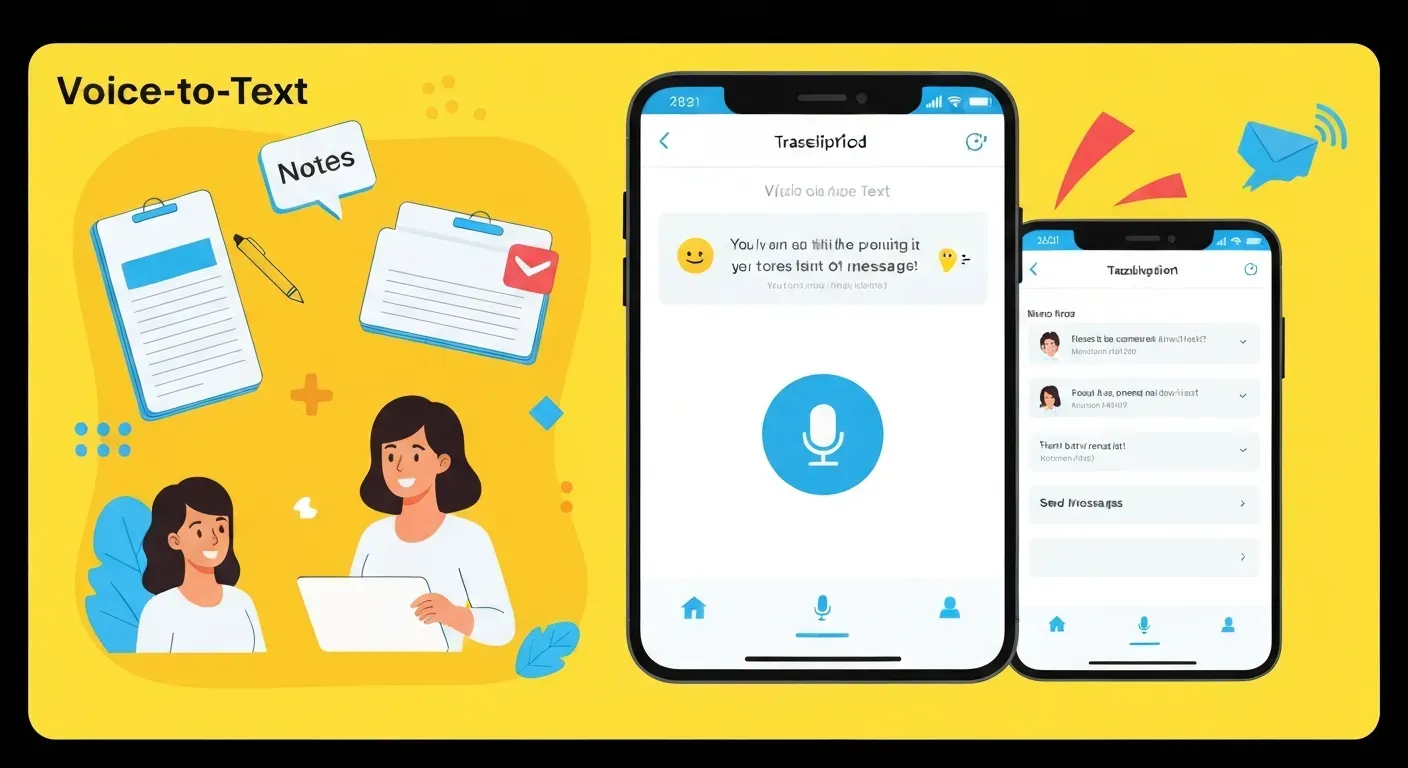
Are you exhausted by endless thumb typing and battling frustrating autocorrect errors on your smartphone screen? In our fast-paced digital world, manually tapping out long emails or detailed notes feels increasingly inefficient and outdated. It is finally time to let your voice do the heavy lifting and significantly reclaim your daily productivity.
Finding the best voice to text app Android users can rely on in 2026 can be overwhelming due to the sheer volume of advanced options available. Whether you are a busy student recording lectures or a professional dictating memos on the go, the perfect tool depends entirely on your specific workflow. Not all dictation software is created equal, so knowing exactly what features to prioritize is essential.
This comprehensive guide helps you navigate the market by exploring distinct app categories and real-world usage scenarios tailored to your needs. We will provide a robust framework for making an informed decision, while naturally exploring how AI tools like Vemory can extend your meeting capabilities. Read on to transform your mobile experience and find the right solution today.
Finding Your Perfect Android Voice to Text App in 2026
Searching for the "best voice to text app Android" is common. However, the ideal choice depends on your specific needs. Factors like accuracy requirements, privacy concerns, and how the app fits into your daily workflow determine the right fit. This guide helps you navigate options for 2026.
Google Gboard
Google's Gboard offers a seamless, free voice-to-text experience. It integrates directly into your Android keyboard. The app uses powerful voice recognition for accurate dictation, making it suitable for everyday use and quick notes.
Otter.ai
Otter.ai is an AI-powered transcription service that excels in professional settings. The app provides real-time transcription for meetings and conversations. Otter.ai includes a free tier, with paid plans offering advanced features for more demanding users.
Live Transcribe (Android)
Live Transcribe is a dedicated Android app from Google. It offers real-time transcription of in-person speech, making it an invaluable tool for note-taking and communication. It is particularly helpful for individuals with hearing impairments. The app also detects non-speech sounds.
Speechnotes
Speechnotes provides a user-friendly voice-to-text solution on Android. It leverages Google's technology for its speech recognition. This app is well-suited for note-taking and short conversations. An ad-free option is available for users seeking an uninterrupted experience.
Dragon Anywhere
Dragon Anywhere is a robust mobile speech-to-text app. It delivers high accuracy and professional-grade dictation on the go. The app uses cloud-powered technology and syncs with desktop software for a connected workflow.
Voice to text app (voicetonotes.ai)
Voice to text app (voicetonotes.ai) offers accurate dictation. It supports hands-free operation across multiple platforms, including Android. The app aims to provide a reliable, type-free solution for users.
Descript
Descript is an advanced audio and video editor that includes integrated transcription capabilities. Users can edit media by editing its text transcript, which significantly streamlines the content creation process.
Choosing the best voice to text app Android involves understanding your unique needs. Consider accuracy, privacy, and integration. Explore these options to find the tool that best supports your workflow in 2026.
How to Choose the Right Voice to Text App for Your Needs in 2026
Searching for the "best voice to text app android" often yields generic lists. However, the optimal choice relies entirely on your specific workflow, accuracy demands, and budget. A student recording lectures requires different tools than a journalist conducting interviews or a driver dictating quick notes.
Understanding Your Primary Use Case
Identify your core activity before downloading. System-level dictation tools handle short text messages well but fail at long-form content. Meeting transcription tools focus on speaker identification, while accessibility apps prioritize large text displays and hearing aid integration.
Select an app that matches your specific scenario:
| User Scenario | Primary Requirement | Recommended Feature Focus |
|---|---|---|
| Students | Lecture Capture | Unlimited recording time, background recording |
| Professionals | Meetings/Emails | Speaker separation, calendar integration |
| Journalists | Interviews | High accuracy, offline mode |
| Drivers | Quick Notes | Voice commands, hands-free UI |
Accuracy and Speed Requirements
Accuracy rates vary significantly between on-device processing and cloud-based AI. On-device engines provide faster results and function without internet access. However, they often lack the vocabulary depth of cloud engines.
Cloud-based solutions process audio on remote servers. This method typically achieves higher precision for complex terminology or accents. Users dealing with medical or legal dictation should prioritize cloud-based engines despite the data usage. Test apps in your actual environment to verify performance.
Integration and Compatibility
Android users must check system permissions and battery optimization settings. Some apps stop recording when the screen turns off to save power. Ensure the app supports background recording.
Evaluate how the app connects with your existing tools. Direct export to Google Docs, Slack, or CRM platforms saves manual copy-pasting time. For remote teams, integration with Zoom or Google Meet is essential for capturing virtual discussions directly.
Cost and Features: Free vs. Paid
Free tiers often restrict transcription to a set number of minutes per month. Paid subscriptions usually unlock unlimited recording, advanced export formats, and speaker labeling.
New AI trends are shifting the market. Vemory, a newcomer in the space, offers AI-native meeting transcription. It currently operates in a free beta phase and focuses on generating structured summaries rather than just raw text.
Always test the free version of any tool first. Verify that the "best voice to text app android" for you handles your specific accent and technical vocabulary before committing to a subscription.
Diverse Usage Scenarios for Voice to Text Apps in 2026
Searching for the "best voice to text app Android" is common, but the ideal choice depends on your specific needs. Factors like accuracy requirements, privacy considerations, and how the app fits into your workflow dictate the best option. This guide explores diverse scenarios where voice-to-text technology excels on Android devices in 2026.
Productivity and Note-Taking
Boost productivity by using dictation apps for quickly capturing ideas, drafting emails, or creating to-do lists. These tools turn spoken words into text effortlessly, saving valuable time. For instance, a student can dictate lecture notes directly into an app, transforming spoken content into searchable text for later review. This frees up hands and allows for focus on listening rather than manual typing.
Accessibility for the Hearing Impaired
For individuals who are deaf or hard of hearing, live transcribe and live caption features provide real-time audio-to-text conversion. This technology enhances communication in conversations and public settings. Imagine attending a public lecture or a business meeting; live captions make spoken content instantly accessible, ensuring full participation and understanding.
Content Creation and Editing
Beyond simple dictation, advanced tools like Descript offer transcription-based editing of audio and video content. This streamlines the workflow for creators. Instead of meticulously scrubbing through audio timelines, editors can simply delete text to remove corresponding audio segments. This efficiency is a significant advantage for podcasters, video producers, and anyone working with spoken word media.
AI Meeting Enhancement with Vemory
In the realm of AI meeting scenarios, tools that integrate with voice-to-text capabilities, such as Vemory, extend functionality. Vemory transcribes discussions, generates summaries, and makes meeting content more accessible. This AI-native approach offers structured insights from conversations. Currently in free beta, Vemory provides a glimpse into how AI can transform meeting productivity.
The best voice to text app Android is a personal choice. Evaluate accuracy, offline capabilities, and privacy policies. Test different apps to find the one that best supports your unique workflow and daily tasks.
FAQ (Frequently Asked Questions)
Q1: Is there a completely free voice to text app for Android?
A1: Yes, apps like Google Gboard and Speechnotes offer robust free versions for basic dictation and note-taking.
Q2: What is the most accurate speech to text app for Android in 2026?
A2: Apps like Otter.ai and Dragon Anywhere are known for high accuracy, utilizing advanced AI. Testing with your voice is recommended.
Q3: Can I use voice to text apps for live captioning?
A3: Absolutely. Google's Live Transcribe is designed for real-time live captioning, enhancing communication.
Q4: How do voice assistant features differ from dictation apps?
A4: Voice assistants execute commands, while dictation apps focus on converting speech into written text for notes and documents.
Q5: What are the benefits of using AI transcription services?
A5: AI services offer speed, high accuracy for long recordings, and features like speaker identification and automated summaries.
Choosing the right tool depends on your priorities. For basic note-taking, free options suffice. For interviews or meetings, accuracy and speaker identification become crucial. Always consider privacy policies before committing to any service.
Conclusion
The quest for the best voice to text app for Android in 2026 is ultimately about unlocking your digital potential. Whether boosting productivity, enhancing accessibility, or streamlining professional tasks, the right app is a game-changer. Understanding your specific needs and the diverse features available empowers you to make an informed choice.
To find your perfect match, meticulously evaluate your primary use case, prioritize accuracy requirements, and explore integration possibilities. Don't overlook the cost-benefit analysis of different options, and always begin by testing free applications to gauge their effectiveness. This systematic approach ensures you identify a tool that truly elevates your Android experience.
Don't delay in transforming your workflow; start dictating your way to unprecedented efficiency today! Explore the top contenders, experiment with free trials, and embrace the power of voice. Your ideal best voice to text app for Android awaits, ready to revolutionize how you interact with your device.