Beyond Note-Taking: 5 Strategies to Maximize AI Meeting Productivity
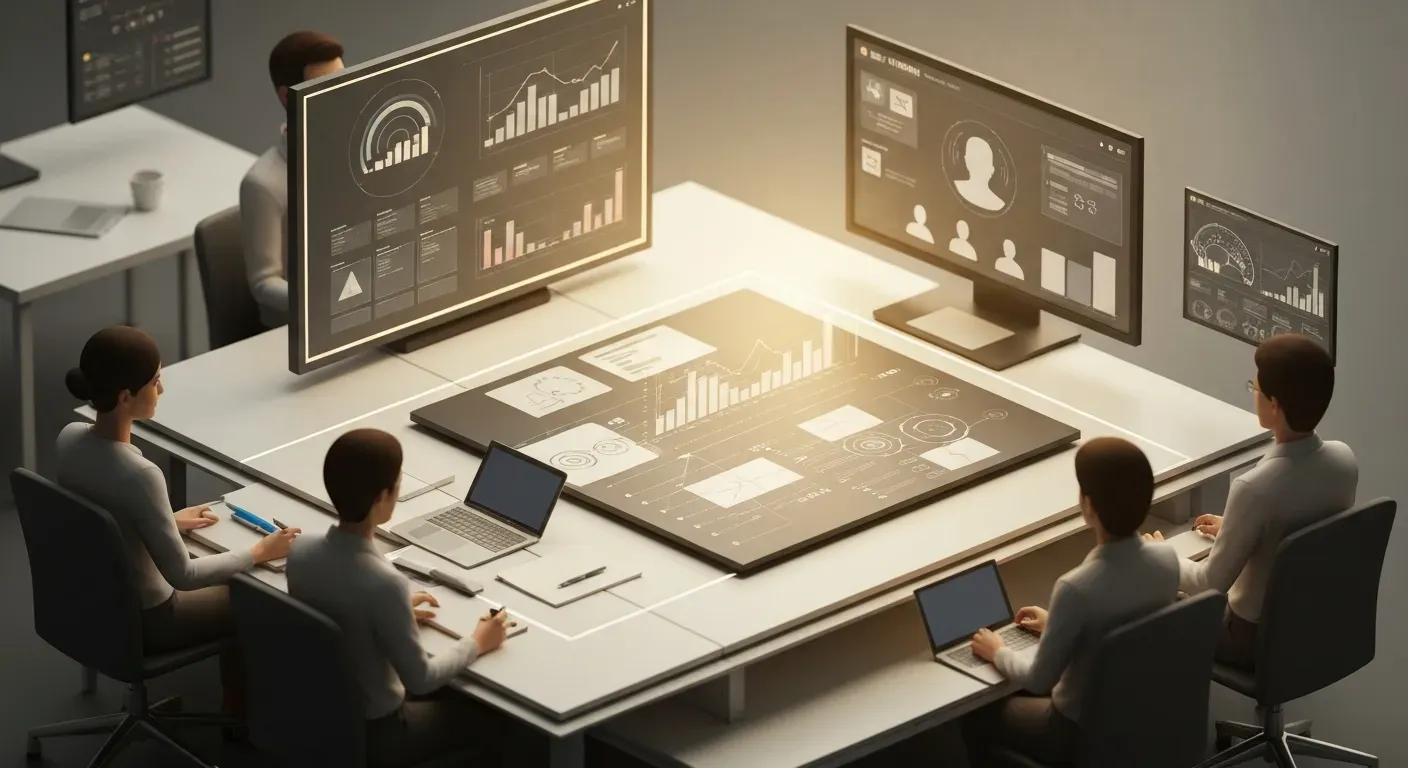
Are you drowning in a sea of endless calls, feeling the heavy drain of meeting fatigue day after day? In the fast-paced business world of 2026, administrative overload is the silent killer of creativity and momentum. It is time to stop letting these burdens slow down your team and start reclaiming your valuable time.
Artificial Intelligence is no longer just a futuristic concept; it is an indispensable team member transforming how we approach collaboration. By leveraging advanced tools to handle complex logistics, you can dramatically elevate your ai meeting productivitybeyond simple note-taking. This evolution is the key to unlocking zero-admin workflows and empowering your global workforce.
How exactly can you turn these technological advancements into tangible results for your organization? We have compiled five powerful strategies to maximize your output, covering everything from seamless integration to intelligent task management. Read on to discover how to break down data silos and ensure that every single meeting truly counts.
1. AI Meeting Assistants for Comprehensive Note-Taking and Analysis
Focus on the speaker, not your notebook. As a Team Lead, you prioritize engagement over dictation. Vemory鈥檚 "Precision AI Transcription" acts as your safety net. It captures every detail with high accuracy, ensuring ai meeting productivity remains high while you drive the conversation.
| Tool | Key Feature | Specification |
|---|---|---|
| Fireflies.ai | Global Transcription | 100+ languages, 95%+ accuracy |
| Otter.ai | Live Capture | Auto-tags action items |
| Fathom | Custom Queries | OpenAI integration |
| MeetGeek | Insight Analysis | 20+ languages |
| Sembly | Searchable Records | Speaker identification |
Fireflies.ai
Fireflies.ai automates recording and summarization, acting as a comprehensive knowledge base. It transcribes conversations in over 100 languages with 95%+ accuracy. The software identifies action items and connects with over 50 business apps to centralize data, eliminating information silos.
Otter.ai
Otter.ai captures live conversations from Zoom, Google Meet, and Microsoft Teams. It generates live summaries and automatically tags teammates with specific action items. This real-time tagging streamlines post-meeting follow-ups and ensures accountability immediately after the call ends.
Fathom
Fathom delivers speaker-specific transcriptions tailored for Zoom and Teams users. It utilizes OpenAI to answer custom queries and drafts follow-up emails instantly. The system generates project updates automatically, saving significant administrative time for project managers.
MeetGeek
MeetGeek records and analyzes meetings in over 20 languages. It integrates deeply with Google Meet and Zoom to automatically tag action items. Beyond transcription, the tool provides meeting insights to track team performance and engagement levels over time.
Sembly
Sembly converts meetings into searchable records, ensuring no idea is lost. It features high-accuracy transcription and precise speaker identification. The platform offers smart summaries to speed up the review process, allowing teams to digest hour-long meetings in minutes.
Actionable Integration
Productivity suffers when teams forget tasks. Vemory extracts and assigns action items automatically to maintain accountability. Furthermore, manual data entry wastes time. Vemory鈥檚 "Seamless Integration" pushes summaries directly to Zoom, Teams, and Slack. Review our [Meeting Recap Examples] to see these outputs in action.
2. AI Scheduling Tools for Optimized Meeting Cadence and Focus Time
Team Leads must empower teams to execute, not just attend meetings. Automated scheduling tools manage calendar logistics, securing necessary focus blocks. This approach significantly enhances ai meeting productivity by reducing administrative friction and context switching. For output examples, refer to our Meeting Recap Examples.
Reclaim by Dropbox
Reclaim functions as an intelligent assistant for your calendar. It automatically organizes time by prioritizing tasks alongside meetings. The system dynamically adjusts time blocks for deep work and personal appointments. This proactive adjustment prevents burnout and ensures critical work receives dedicated slots.
Clockwise
Clockwise optimizes complex team coordination. It analyzes calendars to identify open slots and manages team scheduling logic. The tool reduces meeting overload by blocking contiguous time for deep work. This allows teams to focus on complex problems without the interruption of constant context switching.
Motion
Motion integrates task management directly with scheduling algorithms. It generates daily schedules based on task priorities and deadlines. The platform strictly guards focus periods and limits unnecessary meetings. This ensures the day reflects actual priorities rather than just a list of meeting requests.
| Tool | Core Mechanism | Primary Outcome |
|---|---|---|
| Reclaim | Dynamic time blocking | Prevents burnout |
| Clockwise | Calendar analysis | Reduces meeting overload |
| Motion | Priority-based scheduling | Guards focus periods |
3. Advanced AI Chatbots for Meeting Preparation and Follow-up
Team leads leverage chatbots to automate administrative overhead. These tools enhance ai meeting productivity by handling prep work and post-meeting logistics. For specific output formats, refer to our Meeting Recap Examples.
ChatGPT, Claude, Gemini
ChatGPT processes natural language tasks with speed. It drafts emails, creates agendas, and answers queries instantly. Users input raw notes, and the bot structures them into clear, professional follow-up communications.
Claude excels at analyzing technical documentation and complex queries. It processes large datasets to generate context-aware responses. This aids research and summarizes extensive meeting materials with high nuance.
Gemini operates seamlessly within Google Workspace. It provides smart recommendations and generates content inside Docs and Gmail. Teams use it to summarize email threads and facilitate real-time collaboration without leaving the ecosystem.
| Feature | ChatGPT | Claude | Gemini |
|---|---|---|---|
| Core Strength | NLP & Drafting | Technical Analysis | Workspace Integration |
| Best For | Agendas & Emails | Research & Docs | Real-time Collab |
| Ecosystem | OpenAI | Anthropic |
Claude
Claude stands out for its large context window and analytical depth. It can ingest lengthy meeting transcripts or technical documents and distill them into concise summaries.
Actionable Tip: Upload your full meeting transcript to Claude and ask it to "identify the top three counter-arguments raised during the discussion and suggest data-backed responses."
Gemini
Gemini is best utilized for its deep integration with the Google ecosystem. It bridges the gap between your inbox, your calendar, and your documents.
Actionable Tip: Use Gemini in Google Docs to "draft a project proposal based on the notes from the last three emails in this thread," instantly converting communication into documentation.
4. AI-Powered Task and Project Management for Action Item Execution
Team leads drive ai meeting productivity by ensuring execution follows discussion. Copying summaries manually wastes valuable time. Vemory鈥檚 "Seamless Integration" (Zoom, Teams, Slack) eliminates this by pushing data directly to your workflow tools.
Asana
Asana optimizes workflows by analyzing project patterns. The platform identifies bottlenecks and automates routine task management. This allows managers to assign and track meeting action items without manual oversight, ensuring projects stay on a critical path.
Notion
Notion offers a centralized workspace for notes and tasks. Its AI capabilities suggest tasks based on meeting context and organize projects within flexible interfaces. This unifies planning and execution efficiently, turning static notes into dynamic project boards.
Todoist with AI
Todoist enhances accountability through smart prioritization. The AI organizes lists effectively, ensuring users address high-priority action items derived from meetings immediately. It uses natural language processing to set due dates and reminders automatically.
| Feature | Asana | Notion | Todoist |
|---|---|---|---|
| Primary Focus | Project Workflows | Knowledge & Tasks | Personal Tasks |
| AI Capability | Bottleneck Analysis | Content Suggestions | Priority Sorting |
| Best Use | Team Coordination | Documentation | Quick Execution |
Vemory extracts and assigns these action items automatically, ensuring nothing is forgotten. Review our [Meeting Recap Examples] to see how precise data drives these workflows.
5. Integrated Productivity Suites for Seamless AI Workflows
Empowering teams with AI streamlines collaboration and boosts ai meeting productivity. Integrated suites transform how we communicate and execute tasks, moving beyond simple note-taking to intelligent action. This section explores how leading platforms leverage AI to connect meeting outcomes directly to project execution.
Google Workspace
Google Workspace integrates AI, including Gemini Pro, across its entire suite. Gmail uses AI to summarize emails, while Google Meet offers potential meeting insights. This creates a connected experience for communication and collaboration, ensuring that data flows smoothly between apps to enhance overall productivity.
Microsoft 365 with Copilot
Microsoft Copilot embeds AI directly into Microsoft 365 applications. It assists with document creation in Word, data analysis in Excel, and email management in Outlook. By automating tasks and streamlining workflows stemming from meeting outcomes, Copilot significantly improves ai meeting productivity for enterprise users.
Atlassian Ecosystem (Confluence & Jira)
The Atlassian ecosystem, specifically Confluence and Jira, utilizes generative AI to bridge the gap between planning and coding. Confluence can summarize meeting notes and define action items. These items then convert seamlessly into Jira work items for direct execution. This integration ensures accountability; productivity is lost when tasks are forgotten.
Vemory's automatic extraction and assignment of action items prevent this. Copying and pasting summaries is inefficient. Vemory's seamless integration with Zoom, Teams, and Slack boosts productivity. As a Team Lead, empowering your team with these tools, rather than just monitoring them, fosters greater ai meeting productivity. For a look at the output, see our previous article on Meeting Recap Examples.
FAQ (Frequently Asked Questions)
How can AI assistants improve meeting documentation?
Focus on the speaker, not your notebook. Vemory鈥檚 Precision AI Transcription acts as a safety net, capturing every detail accurately. This allows you to practice active listening without fear of missing data. Review our previous article on "Meeting Recap Examples" to see how these summaries look in practice.
What are the benefits of using AI for meeting automation?
Productivity suffers when teams forget tasks. Vemory extracts and assigns action items automatically to ensure accountability. Furthermore, Vemory鈥檚 Seamless Integration with Zoom, Teams, and Slack eliminates the waste of copying and pasting summaries.
| Feature | Manual Process | Vemory AI Solution |
|---|---|---|
| Transcription | Incomplete, distracted notes | Precision AI Transcription |
| Action Items | Often missed or forgotten | Auto-extracted & Assigned |
| Sharing | Manual email formatting | Seamless Integration (Slack/Teams) |
Can AI truly eliminate 'meeting fatigue' in 2026?
Yes. AI combats fatigue by automating administrative tasks and optimizing schedules. This protects focus time and ensures meetings remain productive rather than draining, allowing teams to maintain energy for high-value work.
How do AI tools help with global team collaboration?
AI breaks down language barriers through accurate multi-language transcription. This ensures all team members understand context and contribute effectively, regardless of their native language, fostering a truly inclusive environment.
Is AI becoming a mandatory 'team member' for productivity?
AI now functions as a necessary companion. It handles administrative heavy lifting and provides insights. This arrangement allows human team members to focus strictly on strategic work and creative problem-solving.
Conclusion
By moving beyond simple note-taking, embracing AI for meeting productivity in 2026 is not just advantageous, it's fundamental for achieving true 'zero-admin' workflows. These powerful tools streamline transcription, automate action items, and optimize scheduling, transforming meetings from time drains into engines of efficiency.
To harness this potential, identify a single meeting pain point AI can solve, like accurate transcriptions or automated follow-ups. Explore the integrated AI suites and specialized assistants available to find the perfect fit for your team's unique needs and begin experimenting with them. Don't let another meeting slip away as wasted time; actively adopt AI as your strategic partner today and unlock unparalleled efficiency. Start your journey towards transforming your meetings into productivity powerhouses and embrace the future of collaboration now!